GT220 - Kopfhörer Grado - Kostenlose Bedienungsanleitung
Finden Sie kostenlos die Bedienungsanleitung des Geräts GT220 Grado als PDF.


Benutzerfragen zu GT220 Grado
0 Frage zu diesem Gerät. Beantworten Sie die, die Sie kennen, oder stellen Sie Ihre eigene.
Eine neue Frage zu diesem Gerät stellen
Laden Sie die Anleitung für Ihr Kopfhörer kostenlos im PDF-Format! Finden Sie Ihr Handbuch GT220 - Grado und nehmen Sie Ihr elektronisches Gerät wieder in die Hand. Auf dieser Seite sind alle Dokumente veröffentlicht, die für die Verwendung Ihres Geräts notwendig sind. GT220 von der Marke Grado.
BEDIENUNGSANLEITUNG GT220 Grado
GRADO®
GT220
Owner's Guide
Since 1953 Grado Labs has been hand building headphones and phono cartridges in Brooklyn, New York.
Throughout three generations the family has kept the tradition of putting sound first.
In the Box
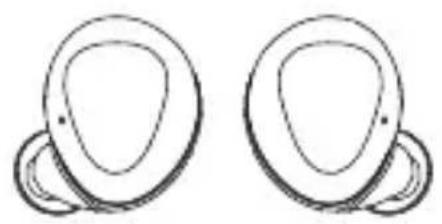
natural_image
Two identical abstract curved shapes with no text or symbolsGT220; Left & Right
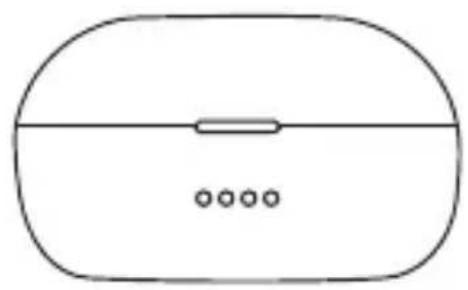
natural_image
Simple line drawing of a computer mouse with a horizontal line and three dots below (no text or symbols)Charging Case
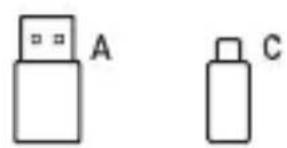
natural_image
Two simple rectangular shapes labeled A and C, no text or symbols presentUSB cable; USB-C to USB-A
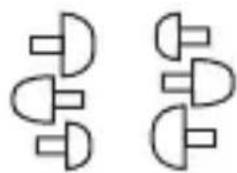
natural_image
Pure electrical circuit lines without any symbolsMultiple Silicon Tips
text_image
GRADOOwner's Guide (the booklet you're holding)
Overview
natural_image
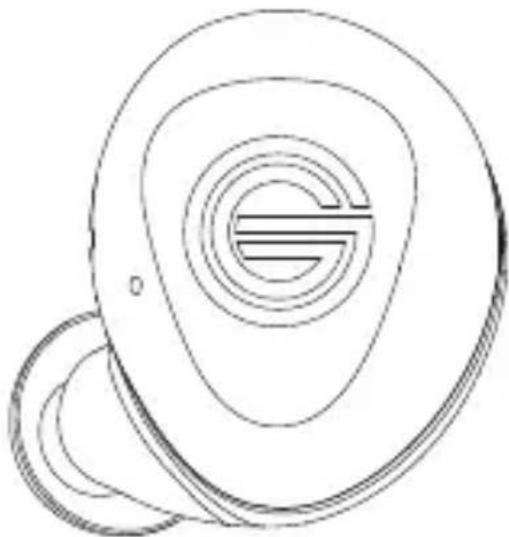
Line drawing of a stylized ear device with concentric rings and a circular base (no text or symbols)Left: Voice / Phone
Voice Assistant
Phone Calls
Volume
natural_image
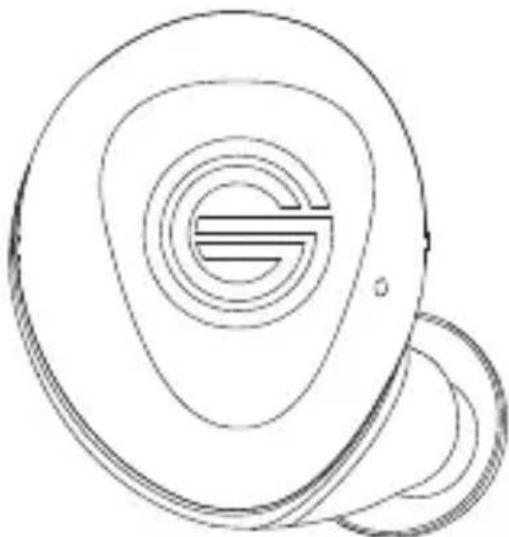
Line drawing of a stylized ear with concentric rings and a small circular base (no text or symbols)Right: Music
Play / Pause
Next Track
Previous Track
Volume
Fit
natural_image
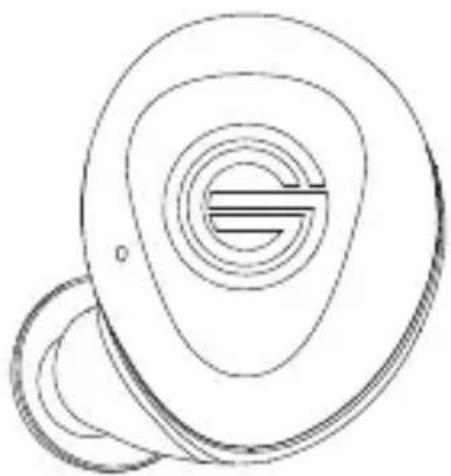
Line drawing of a stylized ear with concentric circles and a 'G' symbol, no text or labels present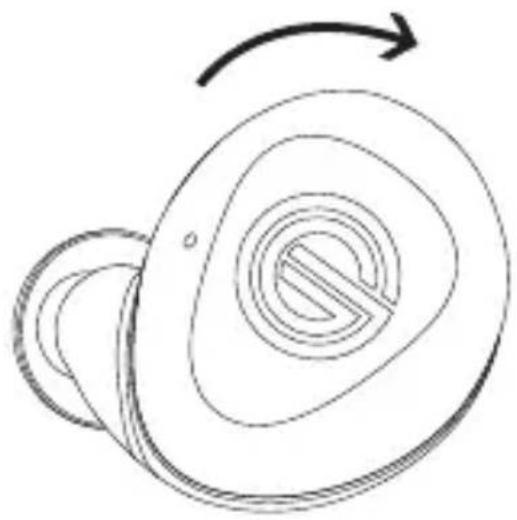
natural_image
Abstract line drawing of a circular object with concentric rings and an arrow indicating rotation (no text or symbols)Twist to Lock:
For a snug fit, place the GT220 vertically in your ear and twist backwards until they are locked in.
Note:
While a tight seal of the silicon in your ear is important to great sound, we recommend to use a fit that's comfortable. If placing the GT220 in your ear without twisting feels best, then you're all ready done.
Power (Headphones)
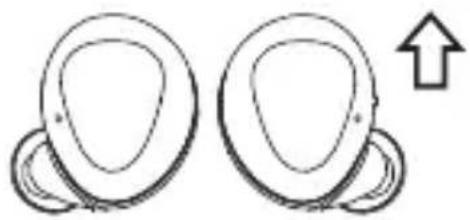
natural_image
Two abstract curved shapes with a plus sign, no text or symbols presentPower On:
Lift out of case and the headphones will power on.
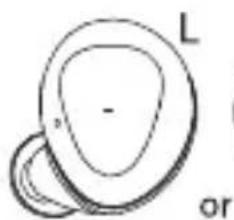
If out of their case, long press L or R for 5 seconds.
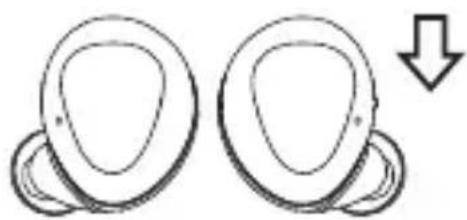
natural_image
Two abstract curved shapes with a downward arrow, no text or symbols presentPower Off:
Place in case and the headphones will power off.
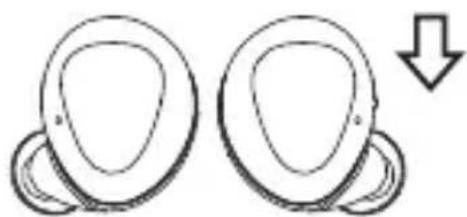
natural_image
Two identical curved shapes with a downward arrow, no text or symbols presentCharge:
Place in case and the headphones will charge.
Power (Charing Case)
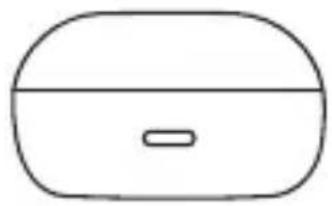
natural_image
Simple line drawing of a rounded rectangular object with a horizontal slot, resembling a battery or container (no text or symbols)Charge:
Plug the USB Type-C into the back of the case.
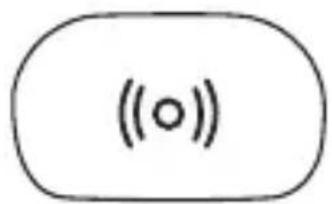
text_image
(○)Wireless Charge:
Place case on the center of a wireless charging mat.*
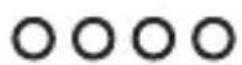

text_image
25% Charged
text_image
50% Charged
text_image
75% Charged
Connect
GT220 in Case:
Lift out of case. If the headphones haven't been paired or a previously paired device is out of range, Pairing Mode will be initiated.
On your device, navigate to settings and turn on Bluetooth.
After a few seconds, you will see "Grado GT220". Tap to pair.
When the paired device's Bluetooth is turned off or out of range, the GT220 can connect to a second device.
GT220 Out of Case and Off:
Long press Left or Right headphone for 5 seconds to initiate Pairing Mode. Follow above steps.
Auto Pair:
After paired to a device, the GT220 will auto pair when lifted from their case.
Connect

—

Blue Flashes Twice:
Powering on
Blue & Red Flash:
Ready to pair
Red Flashes Twice:
Powering off
Purple Flash Once:
Factory Reset in Progress
Phone / Voice
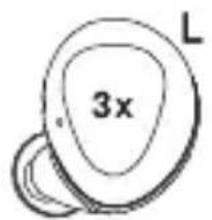
text_image
3x L— Triple Tap: Voice Assistant
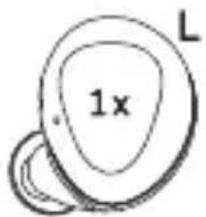
text_image
1x LIncoming Call
— Single Tap: Accept Call
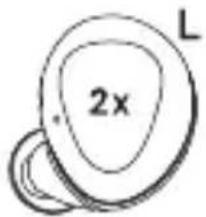
text_image
2x LDouble Tap: Reject Call
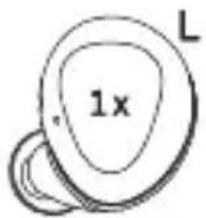
text_image
1x LDuring Phone Call
— Single Tap: End Call
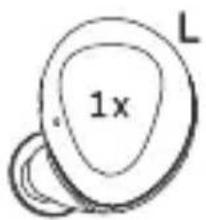
text_image
1x LSingle Tap: Accept Incoming / End Current
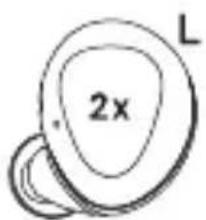
text_image
2x LDouble Tap: Reject Incoming Call
Music / Volume
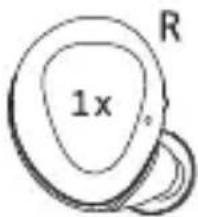
text_image
1x RSingle Tap: Play / Pause
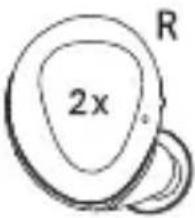
text_image
2x RDouble Tap: Next Track
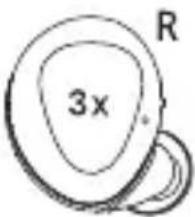
text_image
3x RTriple Tap: Previous Track
natural_image
Simple line drawing of an ear with a shaded oval and two overlapping segments (no text or symbols)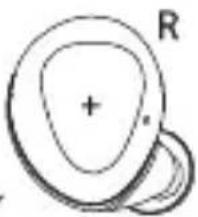
natural_image
Simple line drawing of a circular object with a plus sign and a separate ring (no text or symbols)Hold: Volume Down / Up
Specifications
Bluetooth Version: 5.0
Headphone Battery: 6 Hours; 36 Hours**
Case Battery: 5 Full Charges
Charging Time: 2 hours
Codec: aptX, AAC
Frequency Response: 20Hz\~20KHz
Nominal Impedance: 32ohms
Headphone Capacity: 50mAh
Case Capacity: 500mAh
Methods of pairing to Bluetooth may vary depending on the specific device. Please refer to the device's manual for further details.
* Charging case is Qi compatible. Wireless charging may not work on all charging mats. See your charger's guide for more information.
**Battery life will vary depending on the listening volume and genre of music played. The headphones hold up to 6 hours of battery life. The charging case charges the headphones 5 times, holding up to 30 hours of battery life.
Support
Trouble Connecting?
When your device pairs with the GT220, it connects to one side that then talks to the other side (e.g. the device pairs to Left, Left talks to Right).
If your device loses connection to the initially paired side, it will try to connect to the other. In this case, two 'Grado GT220' may appear in your Bluetooth list. In most cases this does not change any usage. In the rare case your phone has trouble pairing if this happens, simply forget one of the GT220. If it persists, forget both 'Grado GT220' and pair again.
text_image
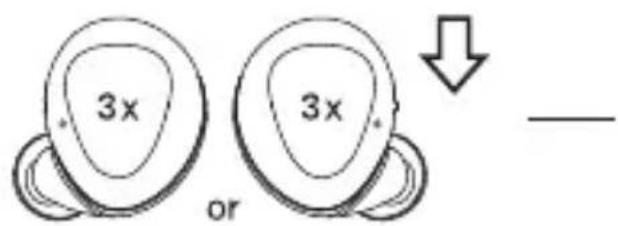
3x or 3x ↓ —Factory Reset:
When placed in their charging case, the GT220 will start to charge and disconnect from your device. At this point, tap either the L or R headphones 3 times. The GT220 may flash and turn off & on multiple times during reset.
Need something else? We're happy to help.
Visit gradolabs.com for the best way to contact us.
Safety Notice & More
Please read this instruction booklet fully before using the headphones and charging case.
Hold on to this booklet for future reference or for someone else that might use these headphones. In the case of losing this booklet, it can be found on the official Grado Labs website (gradolabs.com).
Do not use where Bluetooth is prohibited.
Do not use if there is apparent damage to the headphones, charging case, or batteries.
To protect your ears from permanent damage, don't use the headphones at high and max volumes.
Be wary of using any headphones in situations that need your full attention and sense of hearing.
Keep headphones out of reach from babies and small children, as their size can become a choking hazard.
Avoid leaving the headphones in extreme temperatures. Be sure to keep them clean and dry to avoid warping, stains, and permanent damage.
If misused or damaged, the battery can become compromised. In rare cases this might lead to extreme heat, smoke, or fire. If you notice the battery is damaged, immediately stop any usage.
Grado Labs cannot guarantee the headphones will continue working as intended if serviced by a 3rd party, and will void the warranty. Please go through Grado Labs for any service requests.
NOTE: This equipment has been tested and found to comply with the limits for a Class B digital device, pursuant to part 15 of the FCC Rules. These limits are designed to provide reasonable protection against harmful interference in a residential installation. This equipment generates uses and can radiate radio frequency energy and, if not installed and used in accordance with the instructions, may cause harmful interference to radio communications. However, there is no guarantee that interference will not occur in a particular installation. If this equipment does cause harmful interference to radio or television reception, which can be determined by turning the equipment off and on, the user is encouraged to try to correct the interference by one or more of the following measures:
- Reorient or relocate the receiving antenna.
- Increase the separation between the equipment and receiver.
-Connect the equipment into an outlet on a circuit different from that to which the receiver is connected.
-Consult the dealer or an experienced radio/TV technician for help
Changes or modifications not expressly approved by the party responsible for compliance could void the user's authority to operate the equipment.
This device complies with Part 15 of the FCC Rules. Operation is subject to the following two conditions:
(1) this device may not cause harmful interference, and (2) this device must accept any interference received, including interference that may cause undesired operation.
The Bluetooth® word mark and logos are registered trademarks owned by Bluetooth SIG, Inc, used with permission.
Apple is the trademark of Apple Inc., registered in the U.S. and other countries.
aptX is a trademark of Qualcomm Technologies International, Ltd., registered in the United States and other countries, used with permission.
There may be other companies and names mentioned in this booklet that may be trademarks or registered trademarks of their respective holders.
Grado is a registered trademark of Grado Labs, Inc. ©2020 Grado Labs. All Rights Reserved.