PC Stick - Ordinateur stick JOI - Kostenlose Bedienungsanleitung
Finden Sie kostenlos die Bedienungsanleitung des Geräts PC Stick JOI als PDF.


Benutzerfragen zu PC Stick JOI
0 Frage zu diesem Gerät. Beantworten Sie die, die Sie kennen, oder stellen Sie Ihre eigene.
Eine neue Frage zu diesem Gerät stellen
Laden Sie die Anleitung für Ihr Ordinateur stick kostenlos im PDF-Format! Finden Sie Ihr Handbuch PC Stick - JOI und nehmen Sie Ihr elektronisches Gerät wieder in die Hand. Auf dieser Seite sind alle Dokumente veröffentlicht, die für die Verwendung Ihres Geräts notwendig sind. PC Stick von der Marke JOI.
BEDIENUNGSANLEITUNG PC Stick JOI

text_image
JOI™ intel® inside™JOI™ PC Stick
Quick Start Guide
Congratulations on your purchase of JOI™ PC Stick! This manual will get you cruising with your JOI™ PC Stick in no time. We hope you get an enjoyable experience out of your new purchase.
Table of contents
Precautions
About JOI™ PC Stick
Getting Started
Precautions
- Prevent the device from falling to the ground or exposing it to strong impact in any form.
- Prevent prolonged usage of this device in environments where the temperature is too cold, too warm ( >35^ ), or places with high humidity and dust level. Do not expose the device to strong sunlight for prolonged periods.
- Avoid using the device in areas with strong magnetic and static field.
- If the device comes into contact with water or any form of liquid, switch it off immediately. Only resume usage when the said water or liquid has dried off completely.
- If cleaning is necessary, only use a dry and soft cloth or tissue paper.
- Please back up important data from time to time to avoid data loss.
- SNS Network shall not be held responsible for the loss of data on the device due to abnormal software and hardware operations, maintenance or any other accidents.
- Please do not disassemble the device yourself. Doing so will cause the warranty to become void. Repairs should only be carried out by authorized parties.
About JOI™ PC Stick
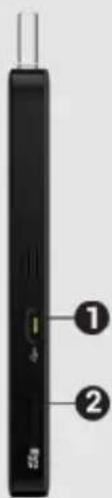
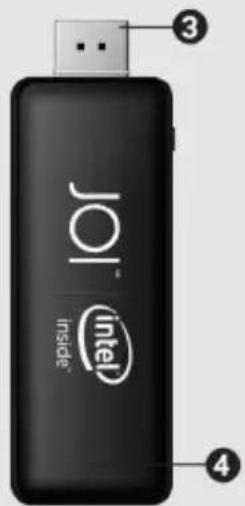
Product Interface Description
- Micro USB port
- MicroSD card slot
- HDMI output
- LED(power indicator light)
- Power Button
- Power Supply port
- USB 2.0 port
text_image
Diagram of a handheld device with labeled ports and ports, showing two numbered components.
text_image
JoI Inside Intel ③ ④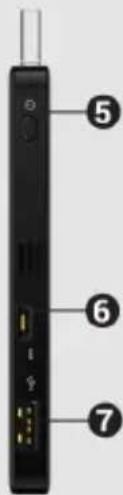
text_image
⑤ ⑥ ⑦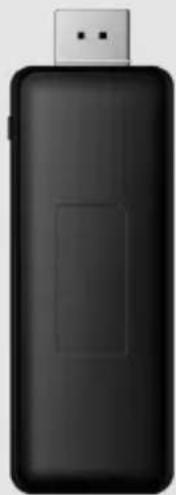
natural_image
Black USB device with a rectangular grip, shown against a plain background (no text or symbols visible)
Getting Started
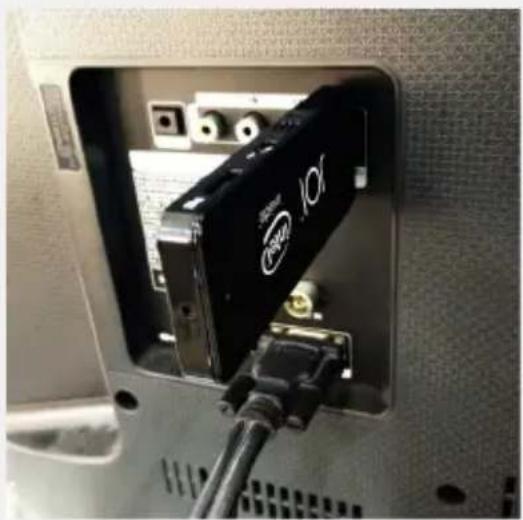
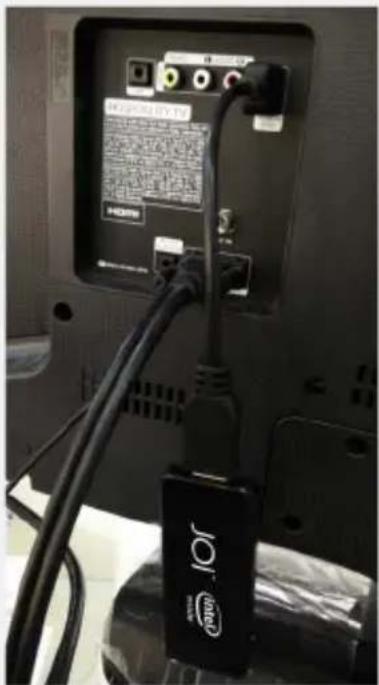
- Plug the device to the TV HDMI interface
natural_image
Close-up of a black I/O device inserted into a container, showing ports and wiring (no readable text or symbols)Direct HDMI output
or
text_image
Back panel of a computer monitor showing network ports, cable, and I/O port labels with visible text and logoHDMI cable extension (provided)
Getting Started
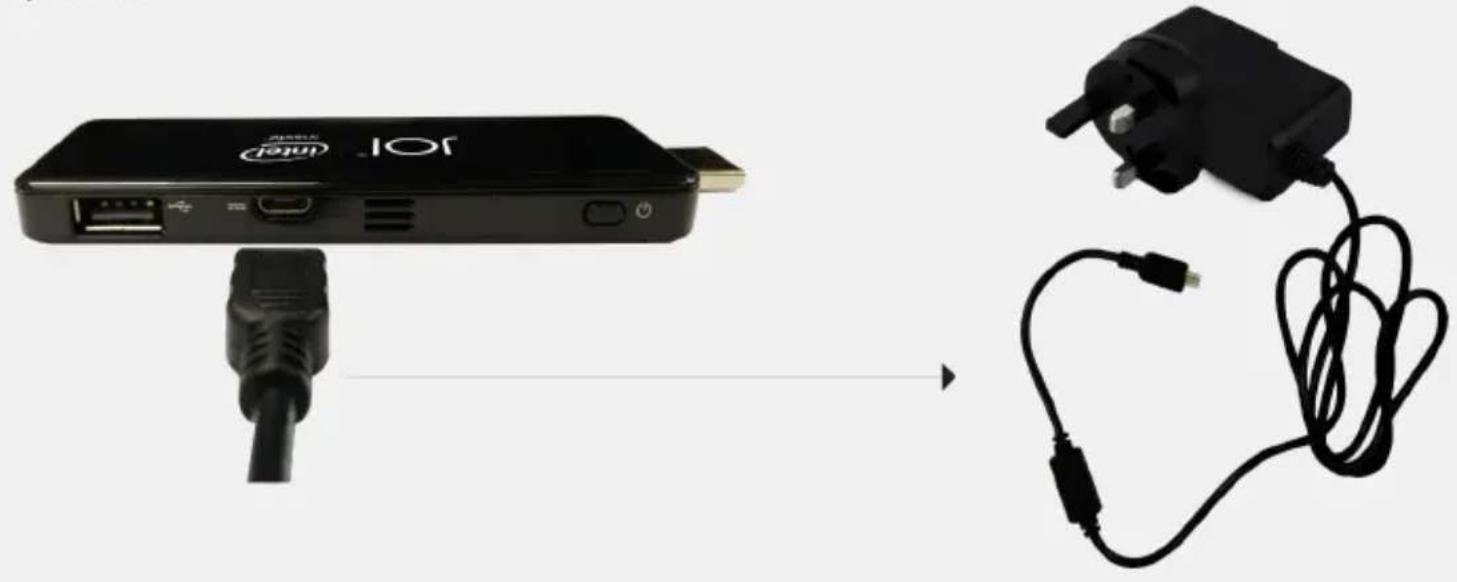
- Power source is needed to turn it on. Connect the power cord Micro USB accessories with this device and the adapter into a power socket.
natural_image
Product assembly showing a USB device connected to a black cable and a connected electrical plug (no text or symbols visible)Getting Started
- This device comes with USB OTG cable, supports USB 2.0 and Bluetooth connectivity to connect to wide range of electronic accessories such as mouse and keyboard.

text_image
JOI™ intel inside™ Bluetooth*All external accessories are not included with JOI™ PC Stick.
Getting Started
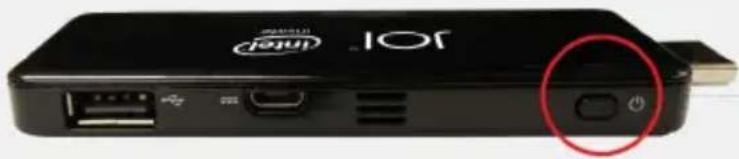
- Once all connected, press the power button to start up the device.
natural_image
Close-up of a black JOL Internet device with ports and a red circle highlighting a button (no text or symbols on the device body)Power Button To Start Up


Model : JOI™ PC Stick
PN:ES-2P32

text_image
MCMC HIDF15000132joi.com.my
JOI ^TM

inside™