Power Cube 8000M - Chargeur de téléphone MIPOW - Kostenlose Bedienungsanleitung
Finden Sie kostenlos die Bedienungsanleitung des Geräts Power Cube 8000M MIPOW als PDF.


Benutzerfragen zu Power Cube 8000M MIPOW
0 Frage zu diesem Gerät. Beantworten Sie die, die Sie kennen, oder stellen Sie Ihre eigene.
Eine neue Frage zu diesem Gerät stellen
Laden Sie die Anleitung für Ihr Chargeur de téléphone kostenlos im PDF-Format! Finden Sie Ihr Handbuch Power Cube 8000M - MIPOW und nehmen Sie Ihr elektronisches Gerät wieder in die Hand. Auf dieser Seite sind alle Dokumente veröffentlicht, die für die Verwendung Ihres Geräts notwendig sind. Power Cube 8000M von der Marke MIPOW.
BEDIENUNGSANLEITUNG Power Cube 8000M MIPOW

text_image
MPOW™MAKE IT DIFFERENT
MANUAL
POWER CUBE 8000M

natural_image
Green Android robot logo with no text or symbolsCOMPATIBLE
WITH
android
natural_image
Exterior view of a silver USB flash drive with a USB cable and Xiaomi logo, no visible text or symbols on the device body.
Superb charging cube with huge power for most mobiles
V1.1
natural_image
Abstract wavy graphic with colorful abstract shapes on black background (no text or symbols)Thanks for purchasing MiPow Power Cube 8000M
, before installing and using the product, please read the instructions thoroughly, and retain them for future reference. Hope you have a pleasant experience!
text_image
MIPOW MAKE IT DIFFERENT

1 ABOUT POWER CUBE
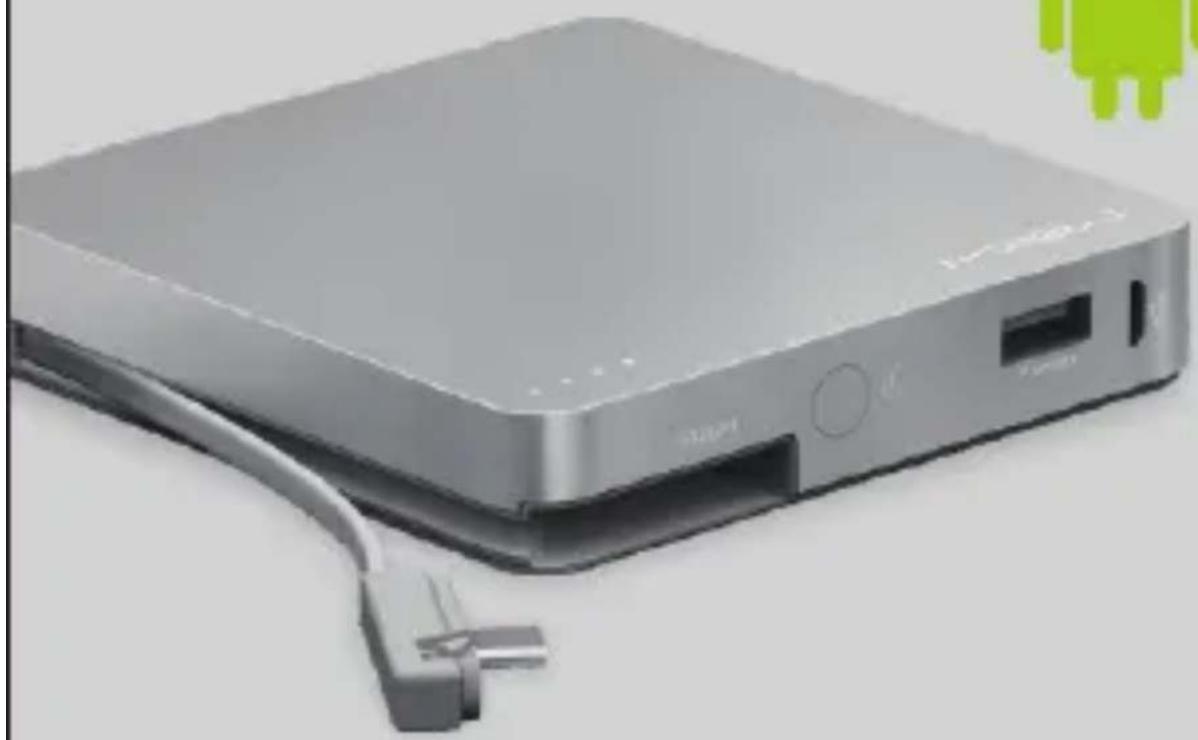
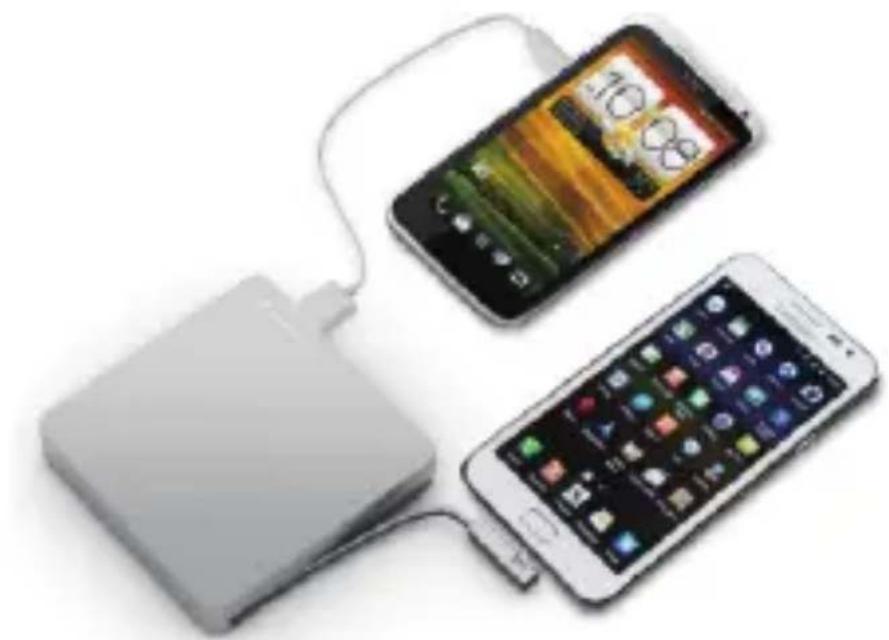
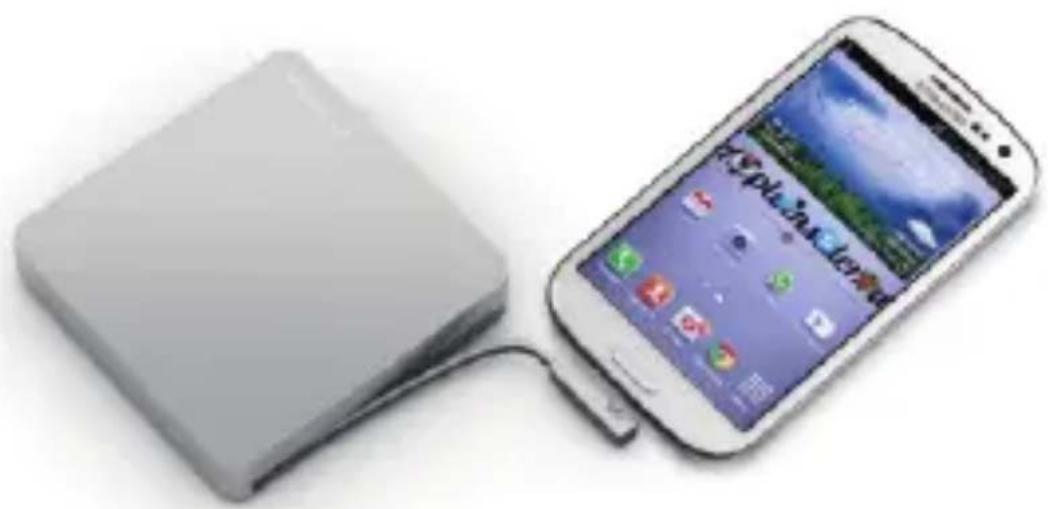
Power cube 8000M is an exclusive compact portable charging device. All in one design, with built in Micro USB connector cable to charge an Android, RIM/Blackberry, Windows phones and most other micro USB powered devices. An EXTRA USB output is included to ensure its compatibility to most other devices with its original charging cable. Elegant Design, convenient to use, easy to carry.
natural_image
Two smartphones connected via a cable, one with a 10.8 smartphone display and the other with a mobile app interface (no visible text or symbols)2 SPECIFICATION POWER CUBE 8000M
• Output/Input Voltage:5V
• Output/Input Current:2.1A(max)
• Battery cell: Lithium-polymer
• Number of recharging times:500 times
• Typical capacity:8000mAh/3.7V /29.6wh
• Minimum capacity:7200mAh/3.7V/26.6wh
• Direct charging time:8-10 hours
• Operating Temperature:0°C/+45°C.
natural_image
Illustration of a smartphone connected to a rectangular device (no visible text or symbols)3 CONTENT POWER CUBE 800
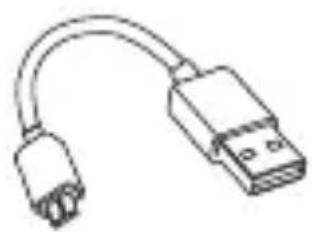
Micro USB cable:
- Use to recharge power cube
- Use to charge most micro USB powered devices.
natural_image
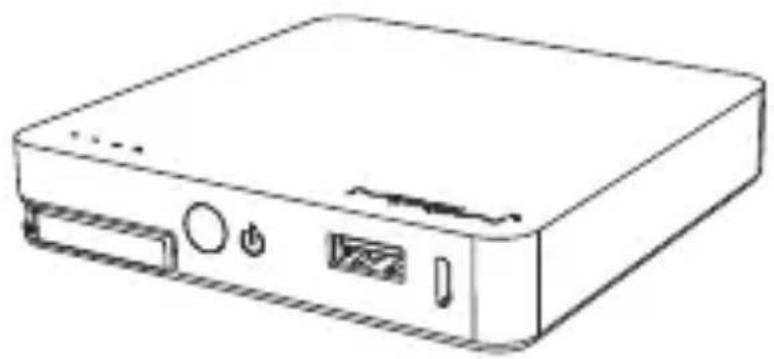
Line drawing of a rectangular electronic device with ports and a power button (no text or symbols)POWER CUBE 8000M
natural_image
Line drawing of a USB connector with two leads (no text or symbols)Micro USB cable
natural_image
Simple line drawing of a beaker with a submerged object, no text or symbols presentPouch
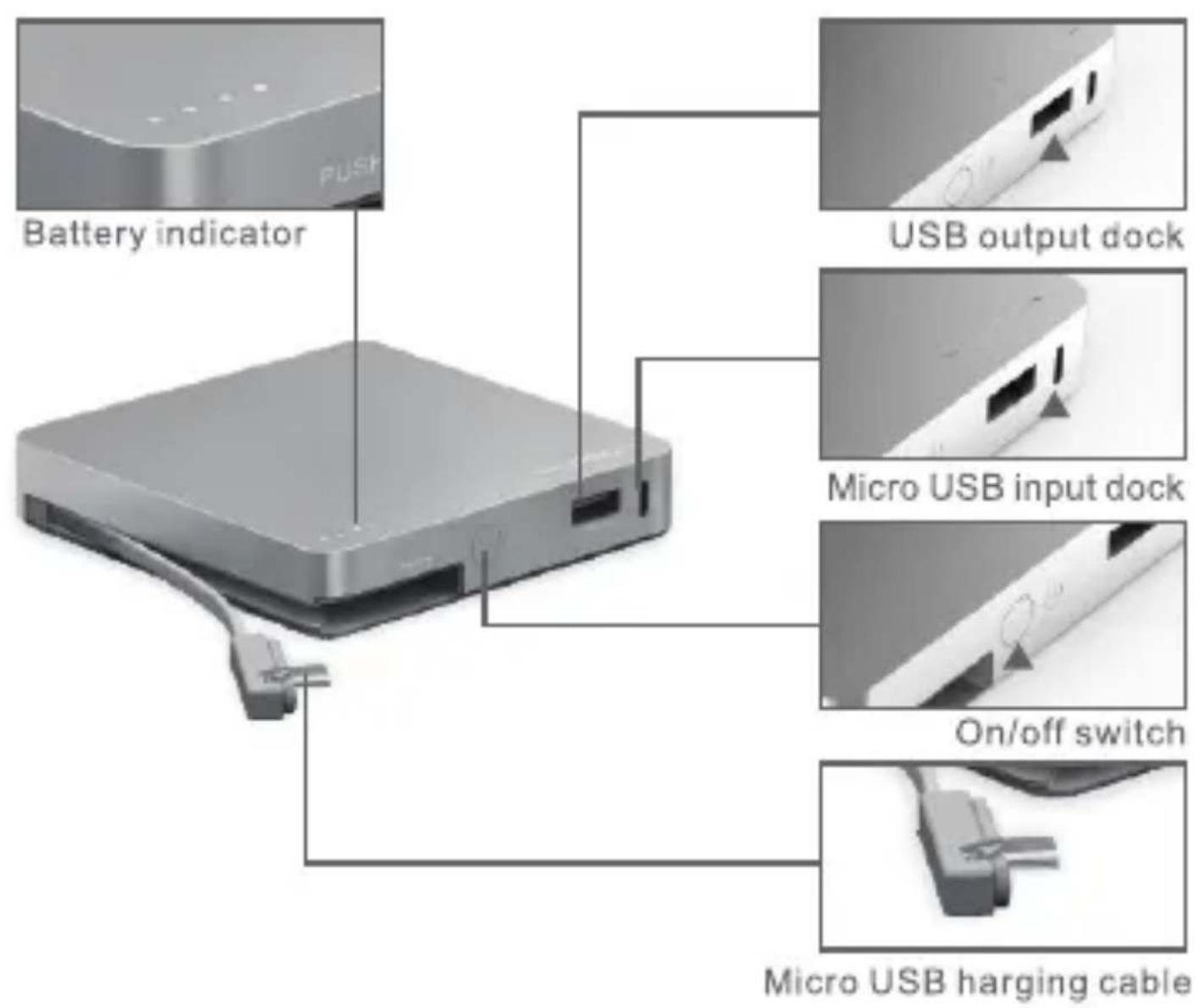
4 OVERVIEW POWER CUBE 8000N
text_image
Battery indicator USB output dock Micro USB input dock On/off switch Micro USB harging cableWarning: the mechanism for connector is designed for purpose and has a lifespan. Do not repeatedly press the mechanism when not in use.
5 USE POWER
POWER CUBE 8000M
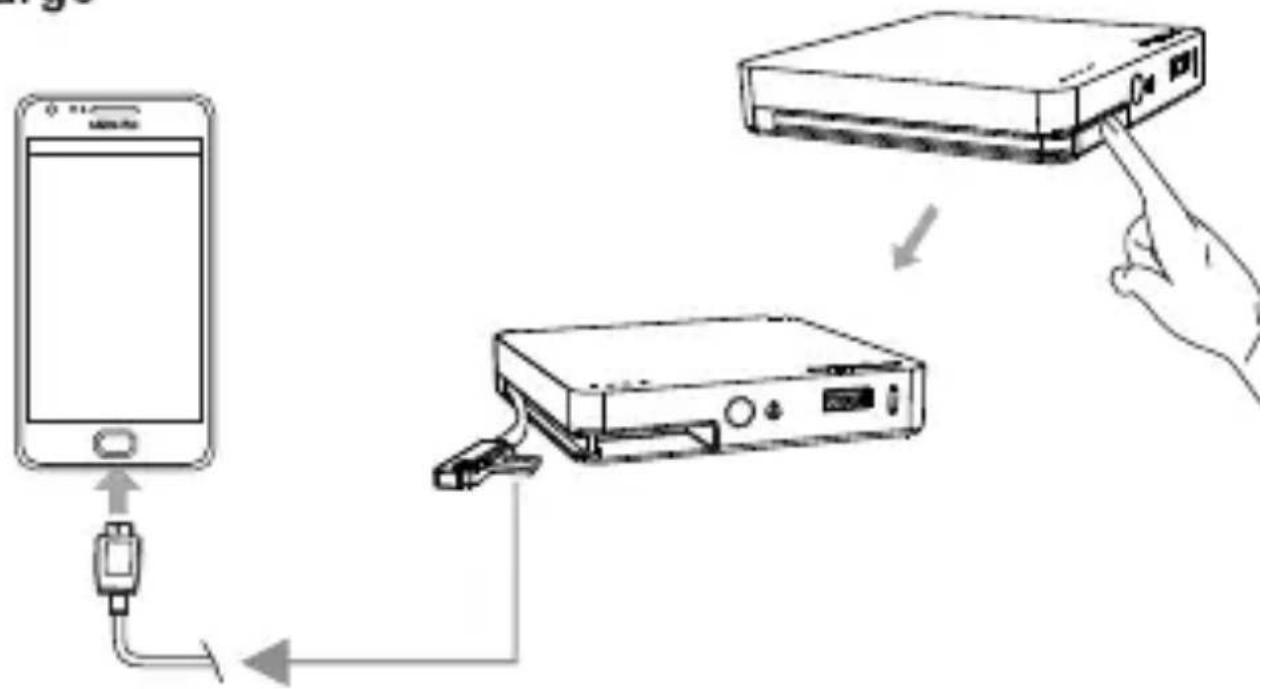
1. To charge
flowchart
graph TD
    A["Smartphone"] -->|Signal| B["Printer"]
    B -->|Signal| C["USB Port"]
    style A fill:#f9f,stroke:#333
    style B fill:#ccf,stroke:#333
    style C fill:#cfc,stroke:#333
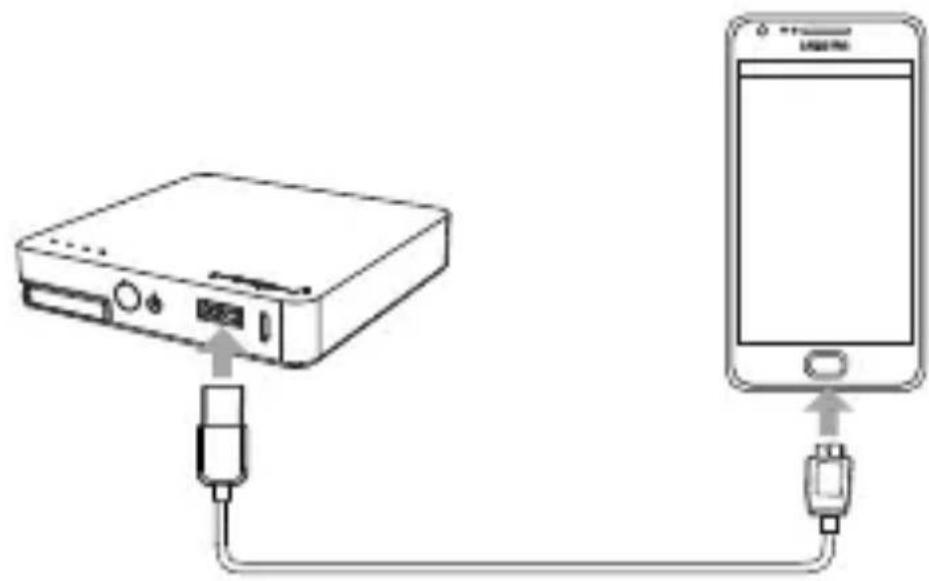
(1) Micro USB powered device
- Press to release the built-in Micro USB connector cable
•Connect to your device, make sure the connection is firm - Press on/off switch until charging signal shows on screen Remark: you can also use the included micro USB recharging cable to charge via female USB output.
(2). For other mobiles
- Use the original USB charging cable of your device
-Connec
t your original USB charging cable to USB female output of Power Cube when your device is connected to Press on/off switch until charging signal shows on screen original charging c
natural_image
Diagram showing connection between a device and a smartphone via USB cable (no text or symbols present)Disclaimer: power cube might not support charging to all devices with their original cable. please check with your device manufacture or MiPow customer service to clarify.
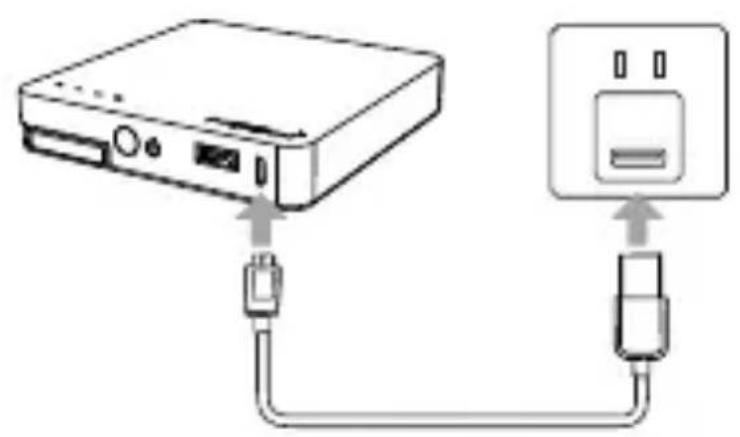
2. To recharge
natural_image
Diagram showing connection between a device and a power outlet, with no text or symbols present.(1). Use USB dock from wall adaptor
(2). Use USB dock from PC/laptop

natural_image
Line drawing of a device with ports and connectors, no text or symbols present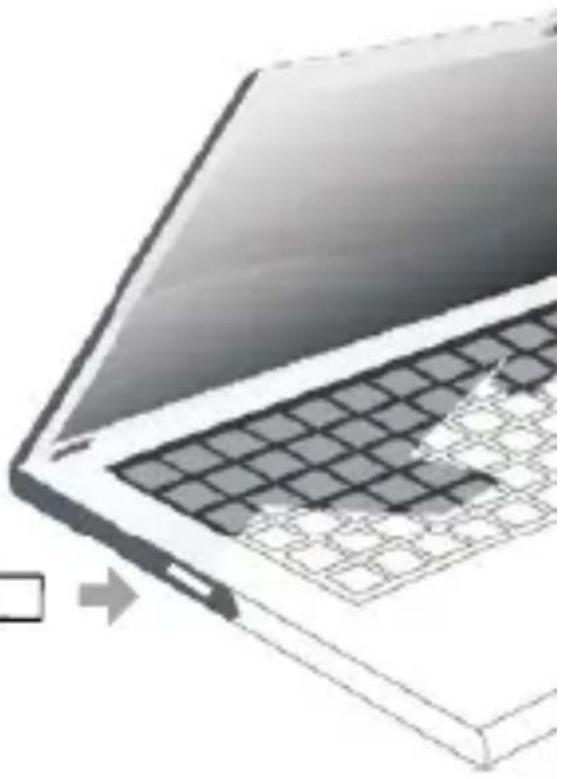
natural_image
Illustration of a laptop keyboard with a grid pattern and mouse pointer (no text or symbols)The recharge time may vary depending on the power source you're using.
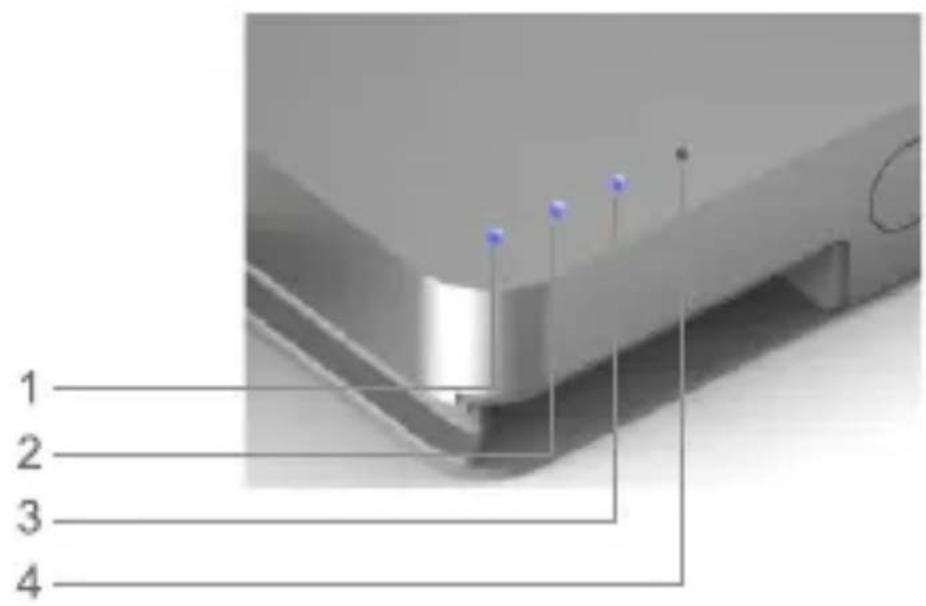
Battery indicator: A simple press on on/off button, will tell you the battery left.
1 LED blinks circularly ≤25% 25%<2 LEDs blink circularly ≤ 50% 50%<3 LEDs blink circularly ≤ 75% 75%<4 LEDs blink circularly ≤ 100% 4 LEDs are all on= 100%
text_image
1 2 3 4It's always highly recommended to keep charging the power cube for 0.5 - 1 hour after all 4 LEDs are on.
6 SAFETY INFORMATION POWER CUBE 8000M
Read all instructions and warnings prior to using this product. Improper use of this product may result in product damage, excess heat, toxic fumes, fire or explosion.
- Carefully read the instructions before using.
- Use only the supplied cable charger to recharge the Power Cube
- Do not open or use force in a defective condition
- The unit must only be used in confined spaces
- Protect from rain and moisture
- Keep away from children
- Disconnect the device after charging from the power source
- Find out whether your device supports the charge with such a device. If you are unsure, please contact dealer
Do not intend to open or disassemble the product, such action will void the warranty.
7 DISCLAIMER POWER CUBE 8000M
This charger is meant for using only in conjunction with the appropriate mobile entertainment device. Please consult your device packaging to determine whether this charger is compatible with your particular mobile entertainment device. We, the manufacturer, are not responsible for any damages to any mobile entertainment device incurred through use of this product.
Warranty Note:
Power Cube has standard one-year warranty. For any direct, indirect, incidental or consequential damages or other damages caused by improper handling or disregard of the resulting information contained in this manual, we assume no liability.
Notes on Environmental Protection After the implementation of the European Directive 2002/96/EU in the national legal system, the following applies: Electrical and electronic devices must not be disposed of with domestic waste. Consumers are obliged by law to return electrical and electronic devices at the end of their service lives to the public collection points that are set up for this purpose or designated points of sale. However, such details are defined by the national law of the respective country. This symbol on the product, the instruction manual or the packaging indicates that the product is subject to these regulations. By recycling, reusing the materials, or other forms of utilizing old devices, you are making an important contribution in protecting our environment.
Thank you for purchasing MiPow product, for more most updated products, please get in touch with our official website: www.mipow.com.
Warranty Card
Limited Warranty
Thank you for your purchase of MIPOW's product. MIPOW warrants that the product is at the time of its original purchase free of defects in workmanship and material. This Limited Warranty for the product shall last for twelve(12)months from the date of original purchase. This original warranty card and original invoice must be presented at the time you require warranty service or such warranty will be voided.
This limited warranty is valid only if the product is used for the purpose for which it was designed. it does not apply to damage or loss caused by negligence; physical abuse; misuse; accident; exposure to moisture; dampness or extreme thermal; unauthorized modifications; unauthorized opending or repair; forces of nature; or other actions beyond the reasonable control of MIPOW. In case of when the warranty does not apply, a repair or replacement charge will be incurred. the customer shall be responsible for sending the defective product to and collecting the repaired or replaced product from the service centre.
NB: MIPOW reserves the right to interpret the terms and conditions contained herein; and the right for any changes without prior notice.
text_image
MIPOW™ MAKE IT DIFFERENTService Centre
text_image
MiPOW™ MAKE IT DIFFERENThttp://www.mipow.com