Chips - Kopfhörer Outdoor Tech - Kostenlose Bedienungsanleitung
Finden Sie kostenlos die Bedienungsanleitung des Geräts Chips Outdoor Tech als PDF.


Benutzerfragen zu Chips Outdoor Tech
0 Frage zu diesem Gerät. Beantworten Sie die, die Sie kennen, oder stellen Sie Ihre eigene.
Eine neue Frage zu diesem Gerät stellen
Laden Sie die Anleitung für Ihr Kopfhörer kostenlos im PDF-Format! Finden Sie Ihr Handbuch Chips - Outdoor Tech und nehmen Sie Ihr elektronisches Gerät wieder in die Hand. Auf dieser Seite sind alle Dokumente veröffentlicht, die für die Verwendung Ihres Geräts notwendig sind. Chips von der Marke Outdoor Tech.
BEDIENUNGSANLEITUNG Chips Outdoor Tech

OUTDOOR TECH.
CHIPS
UNIVERSAL WIRELESS
HELMET AUDIO
Hi.

natural_image
White thumbs-up icon inside a circle on black background (no text or symbols)Good call on picking up the Outdoor Tech-Chips, universal wireless helmet audio. Your experience of the universe will soon be enhanced wirelessly. This manual exists to help make sure that you use them correctly, so you're definitely going to want to relax for a hot second and look through this.
Kisses,

OUTDOOR TECH.
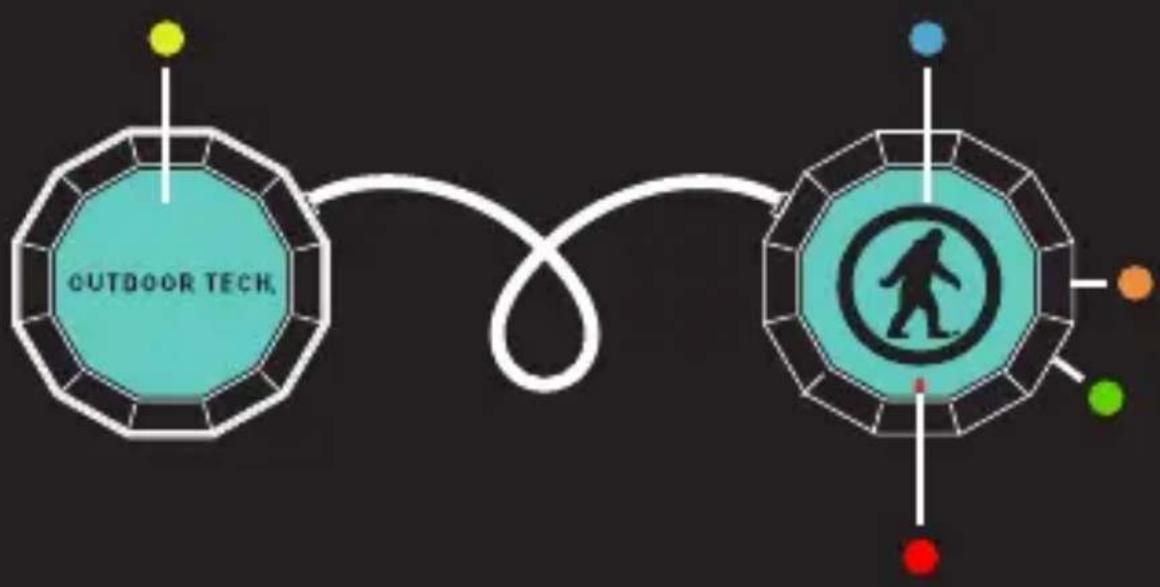
ANATOMY
flowchart
graph TD
    A["OUTDOOR TECH"] --> B["Central Figure Icon"]
    B --> C["Red Dot"]
    B --> D["Green Dot"]
    B --> E["Orange Dot"]
    B --> F["Blue Dot"]
    style A fill:#f9f,stroke:#333
    style B fill:#ccf,stroke:#333
Left ear button
LED light
Right ear button
Charge port
Microphone
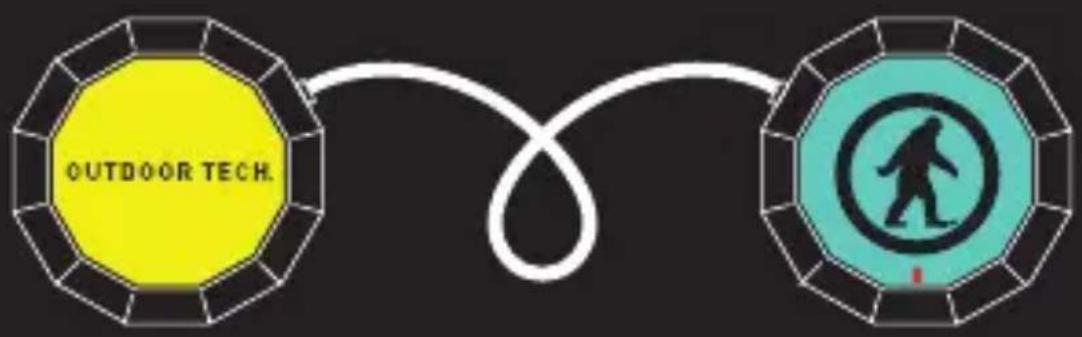
ANATOMY (CONTINUED)
text_image
OUTDOOR TECH.FUNCTION
EARPIECE
ACTION
| Power On | RIGHT | Press for 3 sec |
| Power Off | RIGHT | Press for 3-5 sec |
| Enter Pairing Mode | RIGHT | Press for 5-7 sec |
| Answer | RIGHT | Short press once |
| Reject | RIGHT | Press for 2 sec |
| Hang Up | RIGHT | Short press once |
| Mute | RIGHT | Short press twice |
| Play | RIGHT | Short press once |
| Pause | RIGHT | Short press once |
| Skip Forward | LEFT | Press till song skips |
| Skip Back | LEFT | Press for 3 sec |
| Raise Volume | LEFT | Short press twice |
| Lower Volume | LEFT | Short press once |
| Mute | RIGHT | Short press twice |
natural_image
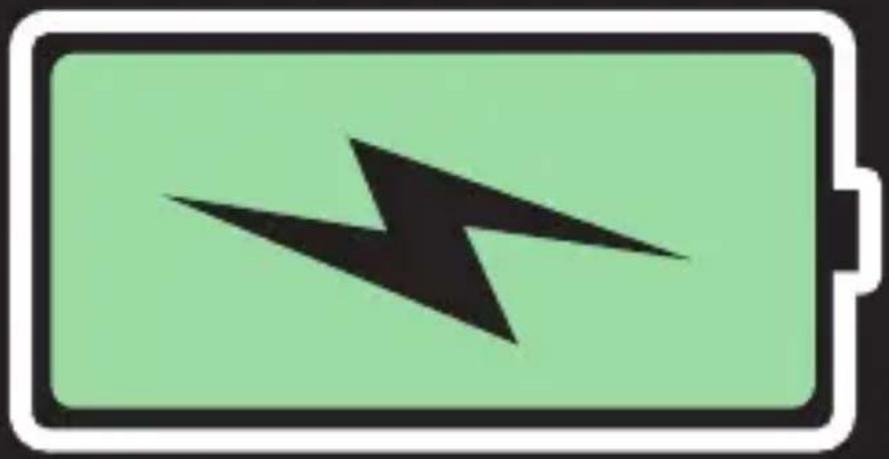
Battery icon with black lightning bolt symbol on green background (no text or numbers)For best results, fully charge your Chips before use.
The indicator light located on the right ear piece will flash red to indicate a low battery.
NOTE: It takes 2.5 hours to give your Chips a full charge.
PAIRING
text_image
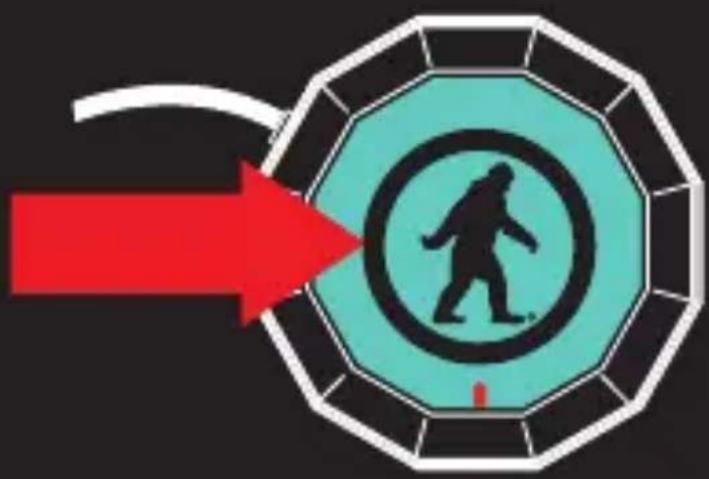
Diagram showing a person walking inside a circular target with a red arrow pointing to it, enclosed in an octagonal frame.To pair the Chips with a Bluetooth-enabled device:
Prior to using the OT Chips for the first time, you will have to pair them with a Bluetooth-enabled device. The pairing procedure may vary for different devices. Please refer to your device's user manual for further information. The general pairing procedure is as follows:
1.) Place the OT Chips and Bluetooth-enabled device no more than 3 feet apart.
2.) Hold the right ear button down until the LED flashes red and blue alternately.
3.) Activate your device's Bluetooth function and set your device search for Bluetooth devices within range. Select "OT CHIPS" from the list of devices shown.
4.) According to the indication, enter password or Use pairing code: 0000.
5.) If prompted by your device to connect, select "Yes" (this will vary among devices)
6.) After successfully connecting, the blue LED will flash twice or three times every 4 seconds.
You should now be able to play music & make/receive calls using the headset. Hooray.
TALK

natural_image
White telephone handset icon inside a circle (no text or symbols)The built-in microphone means that the Chips can be used wirelessly.
*NOTE: The built-in microphone only works when connected via Bluetooth.
The following are tips on how to use your Chips to speak on the telephone:
Answer a call..... End a call..... Decline a call....
Make a call......
Mute/cancel mute during a call.... Transfer conversation to mobile phone or headset during call..
Volume up during a call....
Volume down during a call....
Press right ear button Press right ear button Press and hold the right ear button for two seconds Use your phone to dial as usual Listen and talk through the Chips
Press the right ear button twice
Press and hold right ear button for 2 seconds
Press and hold left ear button for 2 seconds
Press left ear button

natural_image
Icon of a clipboard with checklist inside a circle (no text or symbols)Battery life......
Music playing/9 hours, talk time/10 hours standby time 200 hours
*Battery life varies subject to different playing circumstances, such as music type and volume.
Bluetooth Version.... V2.1
Bluetooth Profiles.... A2DP, AVRCP
Operating distance.. 30 feet
Charging input..... DC5.0V/90\~130mA
Dimensions.... 51x14.5mm
Weight...... 60g
Battery capacity..... 240mAh

natural_image
A white question mark inside a circle on a black background, no additional text or symbols present.Why is the red LED flashing twice every 20 seconds?
The battery is low. Recharge it.
Why is the red LED off when charging?
A. Make sure the connection between the charging cable and the Chips is tight.
B. If the Chips haven't been used in awhile, the light may not come on immediately. Charge the battery for at least 30 minutes.
Why can't I pair my Chips?
Your bluetooth device and the Chips must both be in pairing mode.
Why do I have Bluetooth signal loss/dropout/un-clear conversations?
A. Move your Chips closer to your device.
B. Make sure your Chips are charged up.
C. Turn off your Chips and device, then power up and reconnect.
Why can't the Chips hear my voice during a call?
A. Make sure the Chips are on.
B. Make sure the volume is not too low or muted.
C. Make sure the Chips are properly connected with your device.
D. Make sure the Chips are within range of your device.
CARE & MAINTENANCE

natural_image
Symbolic icon of crossed hammer and wrench inside a circle (no text or numbers)-Keep the Chips dry
-Keep the Chips away from direct sunlight or hot places. High temperatures will shorten the life of electronic devices, destroy the battery or distort certain plastic parts.
-Do not try to disassemble the Chips.
-Do not let the Chips fall onto the floor or other hard surfaces. The internal circuit board may get damaged.
-Do not use intensive chemical products or detergent to clean the product.
-Do not scratch the surface with sharp things.
PUT THE CHIPS IN YOUR HELMET
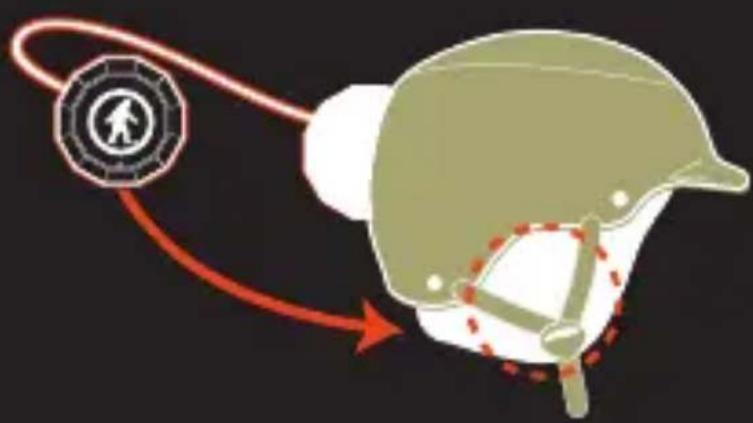
natural_image
Illustration of a helmet with a red arrow indicating direction, no text or symbols present- Drop the Chips into the slots inside your helmet liner.
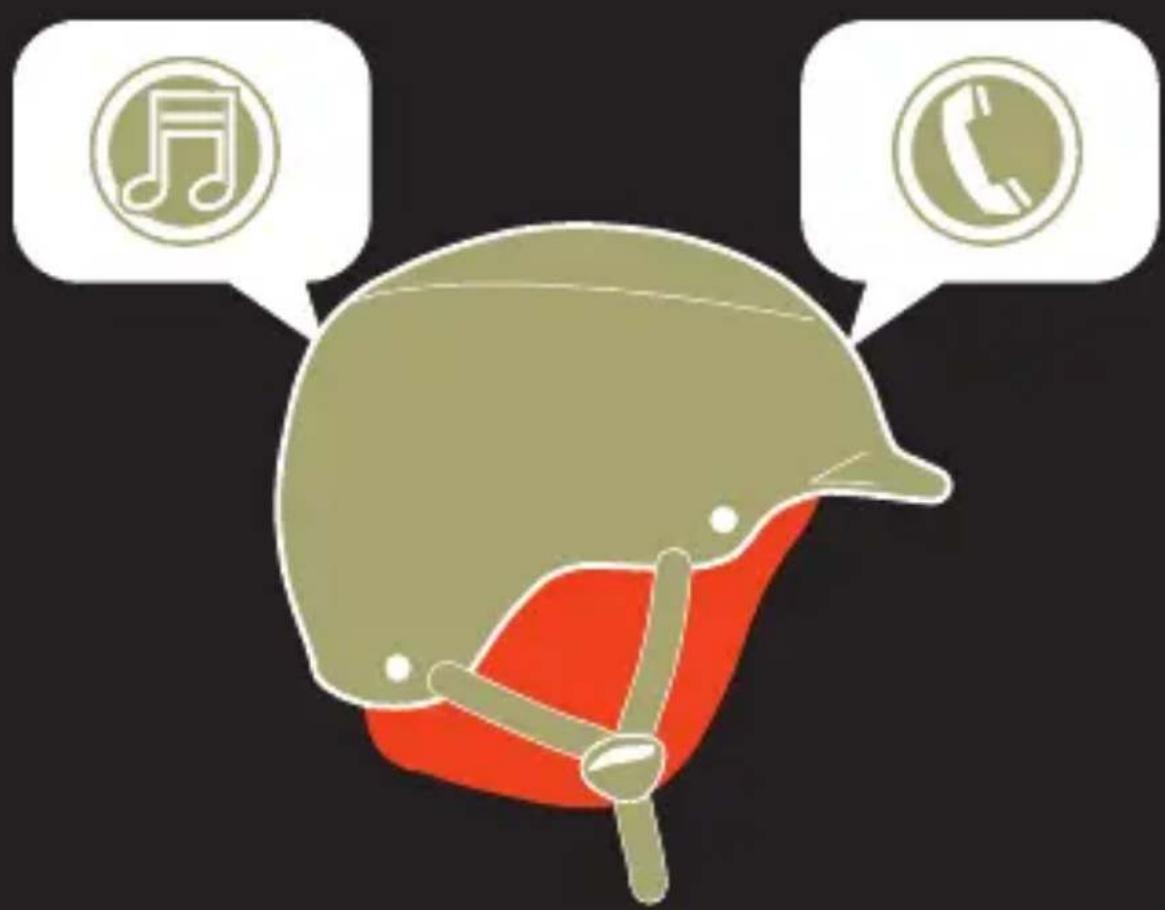
natural_image
Illustration of a red liver helmet with speech bubbles containing music note, telephone, and musical notes (no text or symbols on the helmet itself)- Rock out, make calls, and, you know, ski and snowboard and whatnot.
JACK IT IN
The included 3.5mm cord allows you to rock out when the Chips are out of power.
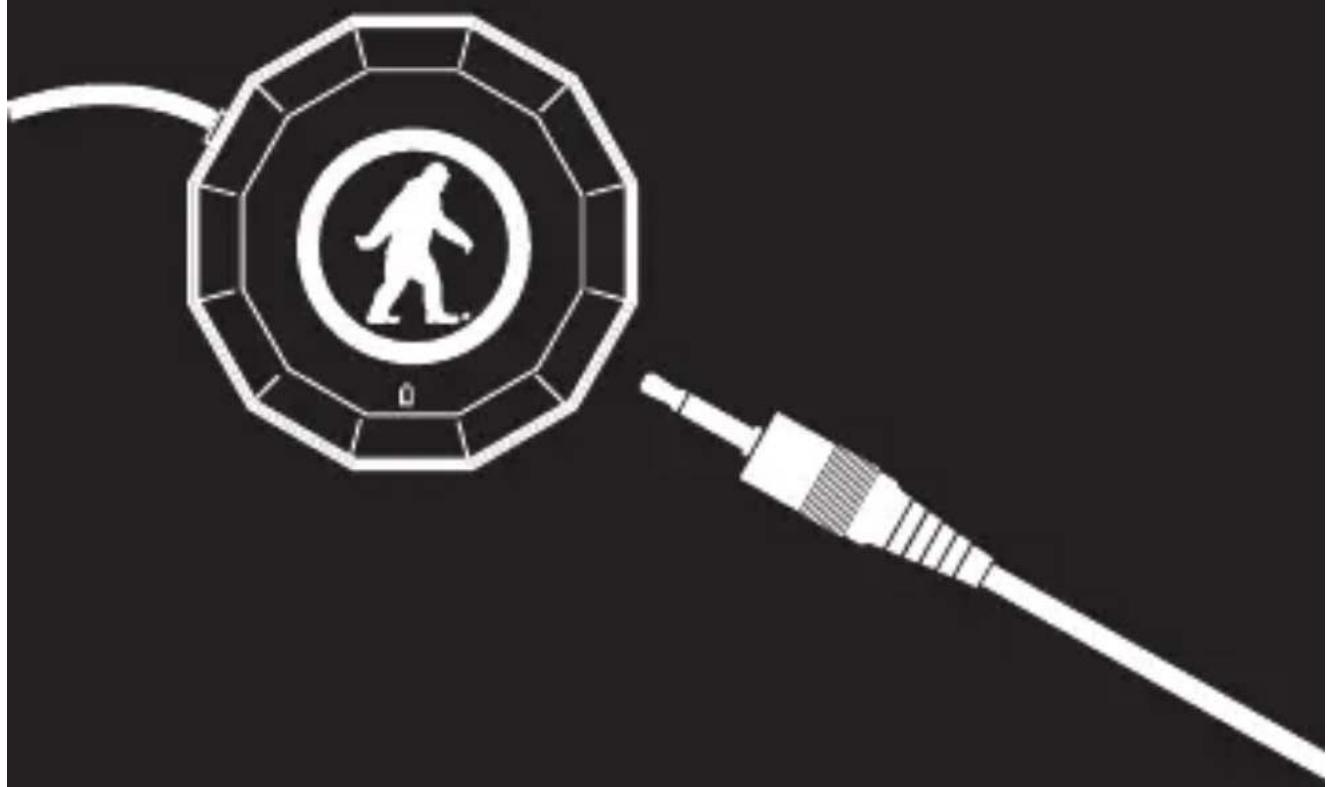
natural_image
Black and white illustration of a person walking inside a circular emblem connected to a cable (no text or symbols)Plug one end into the Chips, and the other into your preferred music playing robotic device. Then proceed to rock out.
*The microphone will no longer function while you're playing music through the 3.5mm jack. Sorry.
DON'T BE SO ANTISOCIAL

natural_image
Silhouette of a bird in flight within a circular frame (no text or symbols)
natural_image
Facebook logo icon, black square with white circle containing the letter 'f' (no additional text or symbols)
natural_image
Simple icon of a camera inside a circle (no text or symbols)Facebook.com/outdoortech Twitter & Instagram: @outdoortech
Questions, comments, complaints, secret desires, or just to say what's up: email info@outdoortech.com
K bye.