Pacific MX1 Plus - Composant de refroidissement pour ordinateur THERMALTAKE - Gratis brugsanvisning og manual
Find enhedens vejledning gratis Pacific MX1 Plus THERMALTAKE i PDF-format.


Brugerspørgsmål om Pacific MX1 Plus THERMALTAKE
0 spørgsmål om dette apparat. Besvar dem du kender, eller stil dit eget.
Stil et nyt spørgsmål om dette apparat
Download vejledningen til din Composant de refroidissement pour ordinateur i PDF-format gratis! Find din vejledning Pacific MX1 Plus - THERMALTAKE og tag din elektroniske enhed tilbage i hånden. På denne side er alle dokumenter nødvendige for brugen af din enhed offentliggjort. Pacific MX1 Plus af mærket THERMALTAKE.
BRUGSANVISNING Pacific MX1 Plus THERMALTAKE
This product is intended for installation only by expert users. Please consult with a qualified technician for installation. Improper installation may result in damage to your equipment. Before you start using this product please follow these basic guidelines:
- Please carefully read through the instruction manual before beginning the installation process.
- Please remove your graphics card from your motherboard to insure the safest process and in order to prevent any possible damages to your CPU and motherboard.
- It is strongly recommended to use market proven pre-mix coolant, such as Thermaltake Coolant Series.
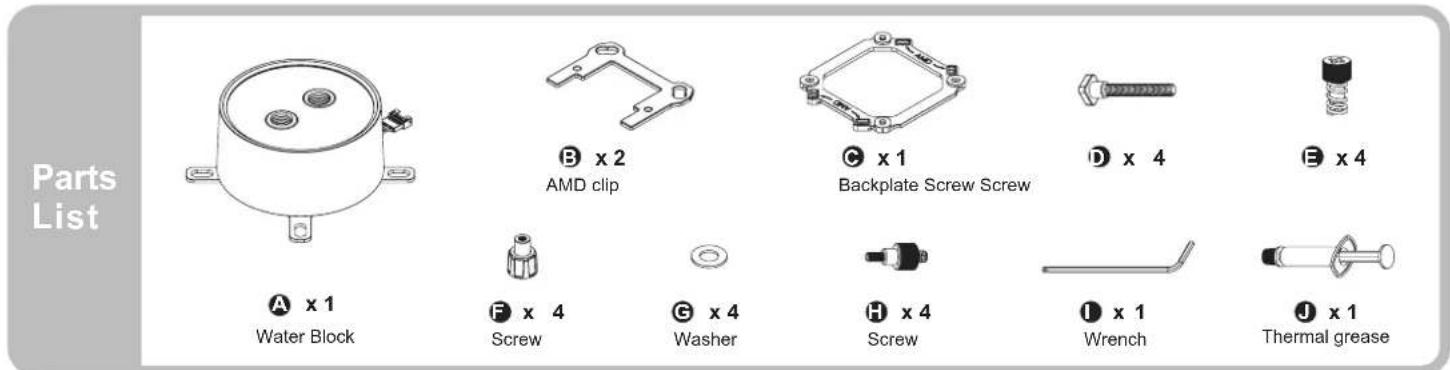
text_image
Parts List A x 1 Water Block B x 2 AMD clip C x 1 Backplate Screw Screw D x 4 E x 4 F x 4 Screw G x 4 Washer H x 4 Screw I x 1 Wrench J x 1 Thermal grease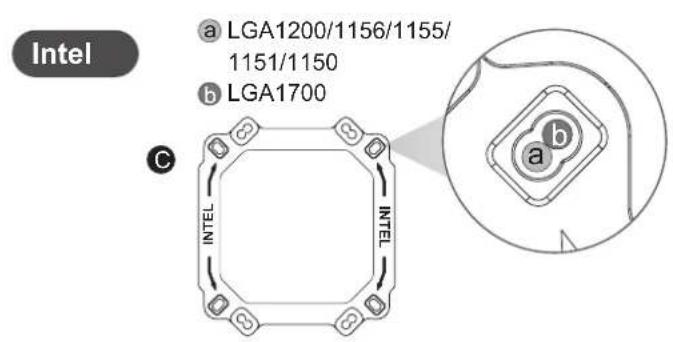
text_image
Intel a LGA1200/1156/1155/ 1151/1150 b LGA1700 C INTEL INTEL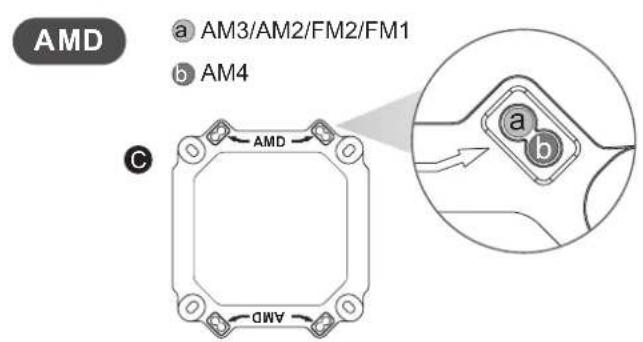
text_image
AMD a AM3/AM2/FM2/FM1 b AM4 C AMD a b c d e f g h i j k l m n o p q r s t u v w x y z
text_image
Intel LGA 1700/1200/115X F J C D E G A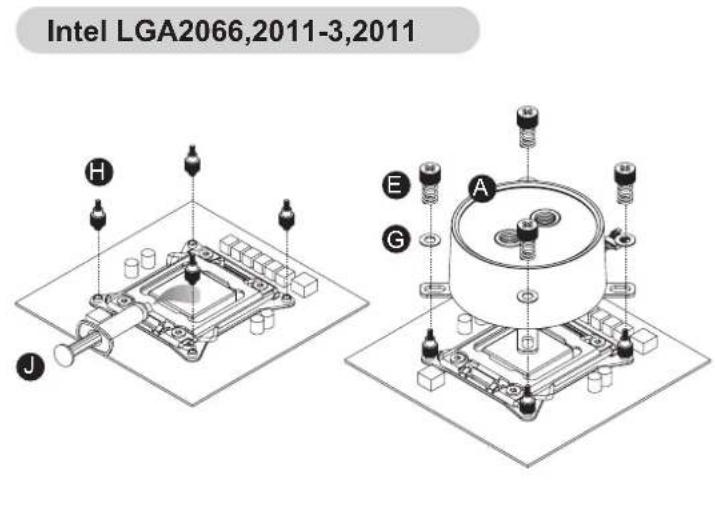
text_image
Intel LGA2066,2011-3,2011 H J E G A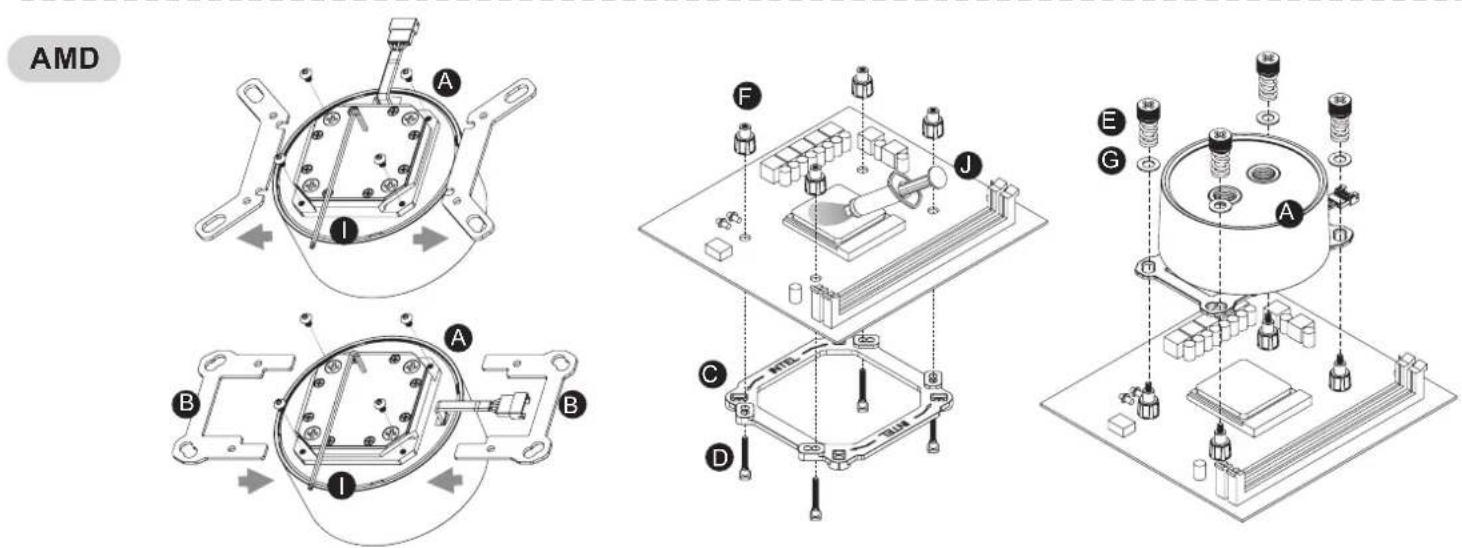
text_image
AMD A I B A B I C D F J E G AController Parts List
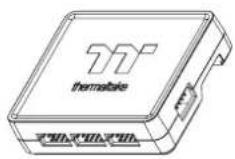
Kx 1
Controller Power Cable
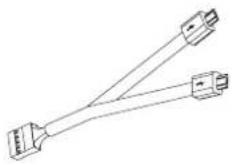
Lx 1
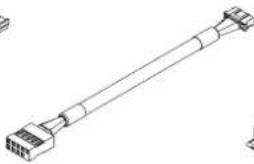
Controller Cable
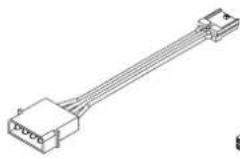
M x 1
natural_image
Line drawing of a long cylindrical connector or cable with multiple ports (no text or symbols)Nx 1
Conversion Cable
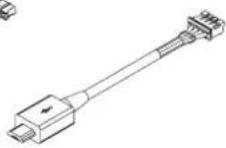
①x 1
Bridge Cable
Px 1
Velcro
Installation Guide
1
natural_image
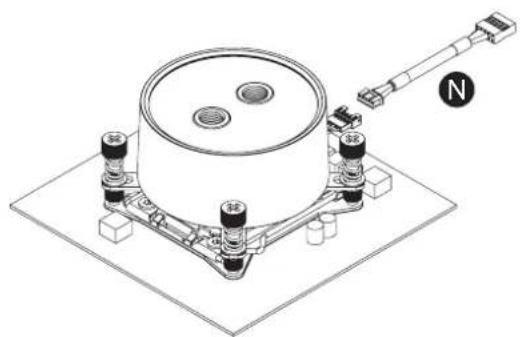
Technical line drawing of a mechanical assembly with mounting base and central component (no text or symbols)Install the Water Block on the mainboard properly, and connect the water block cable to the conversion cable.
3
text_image
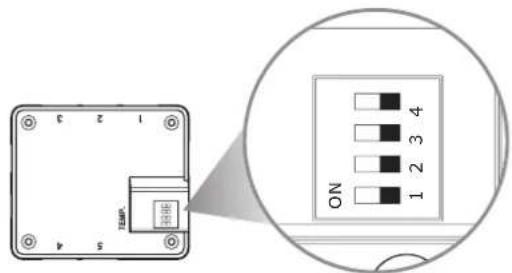
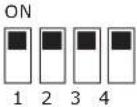
5 4 3 2 1 ON 1 2 3 4Set the DIP switch on the back side of the controller to assign the number of the controller
NO.1
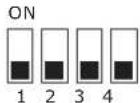
NO.2
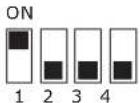
NO.3
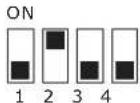
NO.4
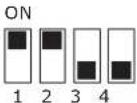
NO.5
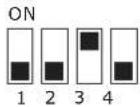
NO.6
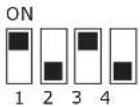
NO.7
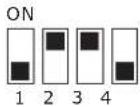
NO.8
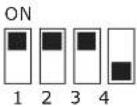
NO.9
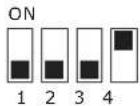
NO.1 0
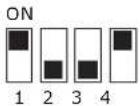
NO.1 1
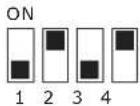
NO.1 2
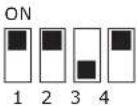
NO.1 3
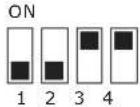
NO.1 4
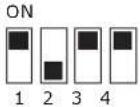
NO.1 5
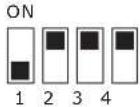
NO.1 6
2
text_image
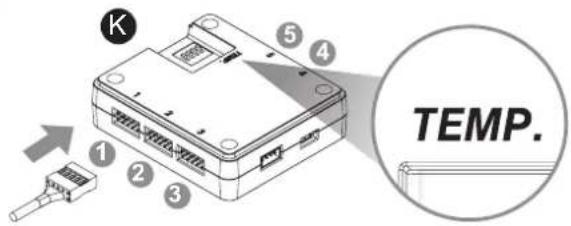
K 1 2 3 5 4 TEMP.Connect the plug into the port in numerical order, start with plug one.

Pacific MX1 Plus is only compatible with Temp controller
4
text_image
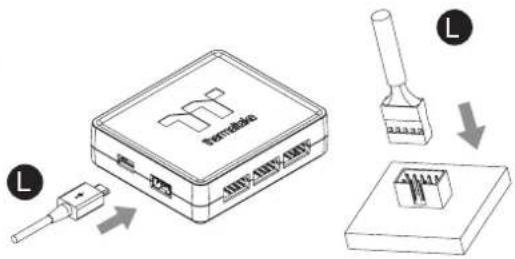
Diagram illustrating a device setup with labeled components and directional arrows indicating process flow.Connect the controller cable onto the mainboard (USB 2.0 9 pin) and controller.
5
text_image
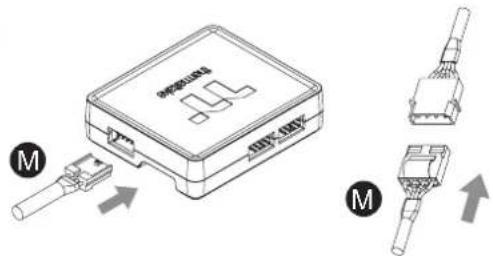
Technical diagram showing a device with labeled connectors and internal components, marked with 'M' and directional arrows.Connect the power cable to the 4pin Molex connector and controller.
Quad/Trio Controller
6
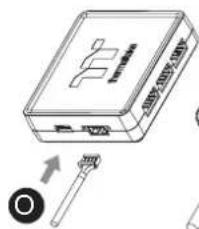
Connect with other addressable LED product
TEMP. Controller
Plus Controller
text_image
Diagram of a device with labeled ports and an arrow indicating a component or connection point.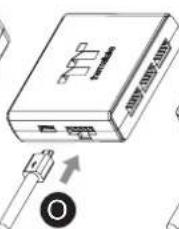
text_image
Pensitius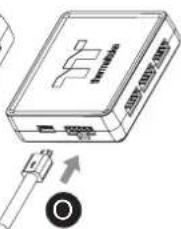
text_image
Diagram of a wireless device showing ports, cable, and a sensor with an arrow indicating signal direction.- Pacific MX1 Plus is only compatible with Temp controller
- Connect the controller cable to Temp controller, and then connect the rest of controllers in series