ST-AMBKM - Tastatur Satechi - Gratis brugsanvisning og manual
Find enhedens vejledning gratis ST-AMBKM Satechi i PDF-format.


Brugerspørgsmål om ST-AMBKM Satechi
0 spørgsmål om dette apparat. Besvar dem du kender, eller stil dit eget.
Stil et nyt spørgsmål om dette apparat
Download vejledningen til din Tastatur i PDF-format gratis! Find din vejledning ST-AMBKM - Satechi og tag din elektroniske enhed tilbage i hånden. På denne side er alle dokumenter nødvendige for brugen af din enhed offentliggjort. ST-AMBKM af mærket Satechi.
BRUGSANVISNING ST-AMBKM Satechi
INSTRUCTIONAL GUIDE
WIRELESS KEYBOARD
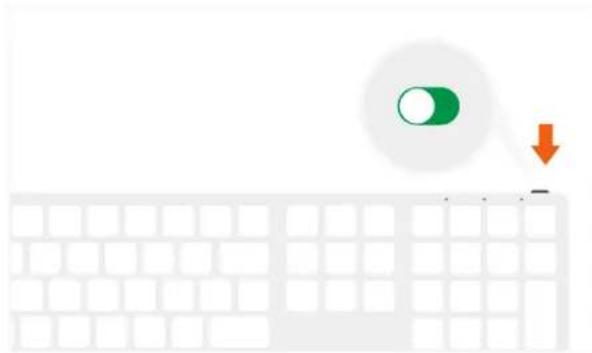
1 Turn on your Wireless Keyboard. The power indicator light should turn green for \~3 seconds, then turn off.
natural_image
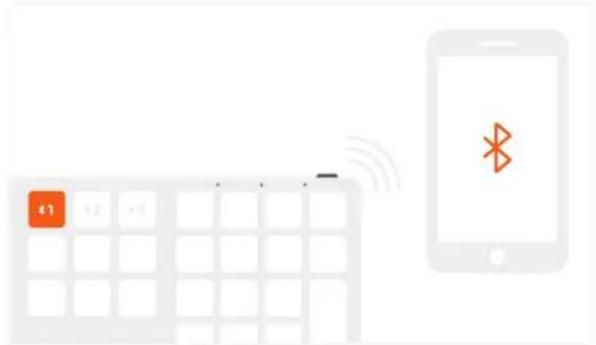
Illustration of a computer keyboard with a green circular button and an orange downward arrow (no text or symbols)3 On the host device, look for "Satechi Bluetooth Keyboard" and connect to pair. The blue LED light will stop blinking, indicating a successful pairing.
text_image
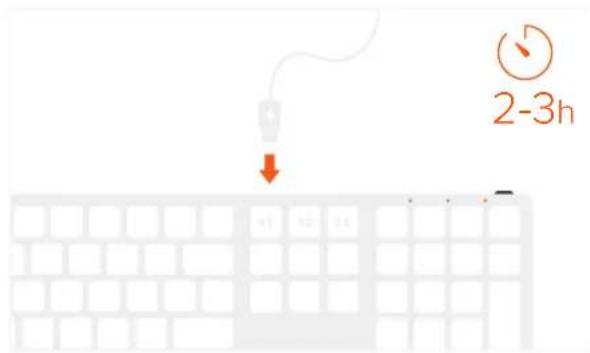
+1 +2 +35 The power indicator light will flash green when battery is low. Plug in charging cable into keyboard's USB-C port and connect to a powered USB port. Allow 2-3 hours for a full charge or until red LED light turns off.
text_image
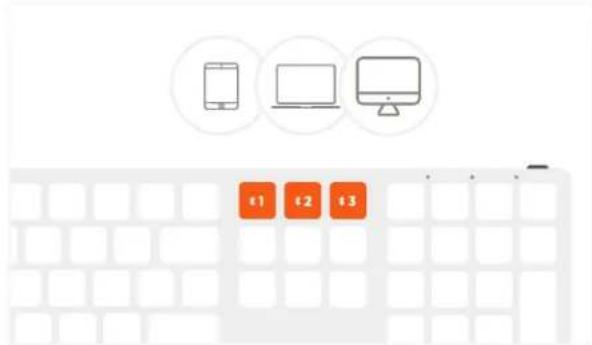
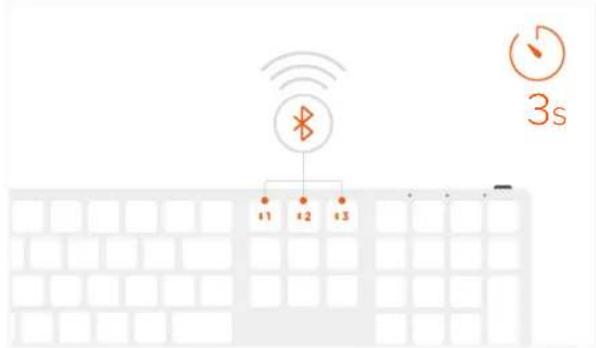
2-3h2 To assign a Bluetooth device, press and hold one of the keyboard's Bluetooth buttons for \~3 seconds until blue LED light is flashing. You can assign up to 3 Bluetooth devices.
text_image
3s +1 +2 +34 To toggle between connected Bluetooth devices, press Bluetooth 1, 2, or 3 button. To remove saved Bluetooth device, press Fn + Shift (left) + Delete.
text_image
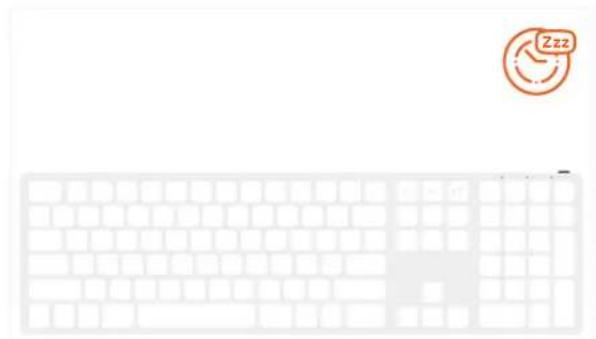
Diagram showing a keyboard with an orange '€1' button and wireless signal, alongside a smartphone displaying a Bluetooth symbol.6 The keyboard will go into sleep mode after \~30 minutes of inactivity. Press any key to wake up.