
NeoPix Start NPX240 - Projektor PHILIPS - Gratis brugsanvisning og manual
Find enhedens vejledning gratis NeoPix Start NPX240 PHILIPS i PDF-format.


Brugerspørgsmål om NeoPix Start NPX240 PHILIPS
0 spørgsmål om dette apparat. Besvar dem du kender, eller stil dit eget.
Stil et nyt spørgsmål om dette apparat
Download vejledningen til din Projektor i PDF-format gratis! Find din vejledning NeoPix Start NPX240 - PHILIPS og tag din elektroniske enhed tilbage i hånden. På denne side er alle dokumenter nødvendige for brugen af din enhed offentliggjort. NeoPix Start NPX240 af mærket PHILIPS.
BRUGSANVISNING NeoPix Start NPX240 PHILIPS
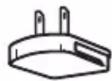
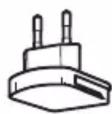
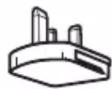
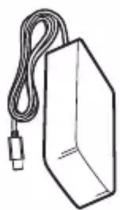
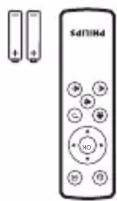
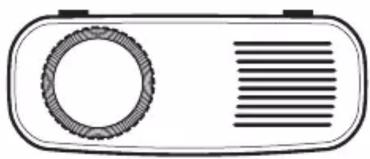
natural_image
Simple line drawing of a portable radio with a circular button and horizontal stripes (no text or symbols)









Screeneo Innovation SA Route de Lully 5C
1131 - Tolochenaz - Switzerland
www.philips.com/welcome
philips.projector.eu@screeneo.com
Philips and the Philips Shield Emblem are registered trademarks of Koninklijke Philips N.V. used under license. Screeneo Innovation SA is the warrantor in relation to the product with which this booklet was packaged.
2019 © Screeneo Innovation SA All right reserved
FCC ID:2ASRT-NPX240
This device complies with part 15 of the FCC Rules. Operation is subject to the following two conditions: (1) This device may not cause harmful interference, and (2) this device must accept
any interference received, including interference that may cause undesired operation.
PHILIPS
NeoPix Start
Mini projector
natural_image
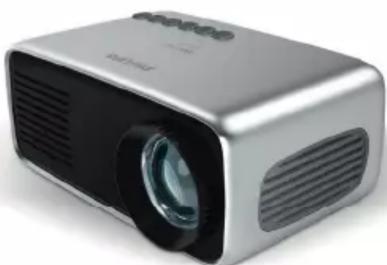
Exterior view of a silver projector with black lens and ventilation grille (no visible text or symbols)Quick Start Guide
Register your product for further support and download the full user manual at: www.philips.com/support
1
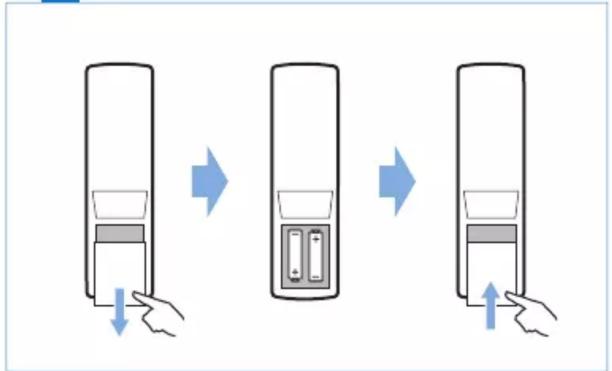
flowchart
graph TD
    A["Hand pressing down"] --> B["Water filled with liquid"]
    B --> C["Add liquid to battery"]
    C --> D["Add liquid to water"]
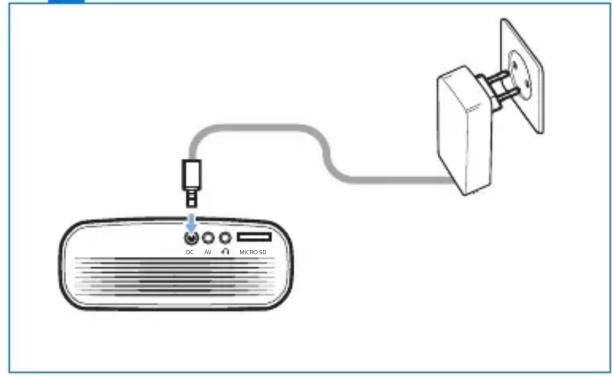
2 Power
natural_image
Simple line drawing of a device with an AC input, connected via cable to a wall-mounted device (no text or symbols)3 ▶ On
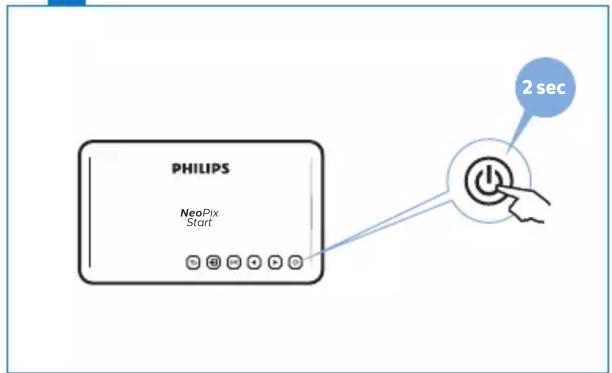
4 ▶ Focus
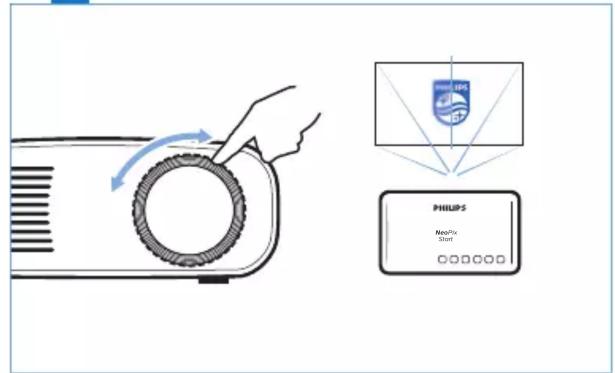
5
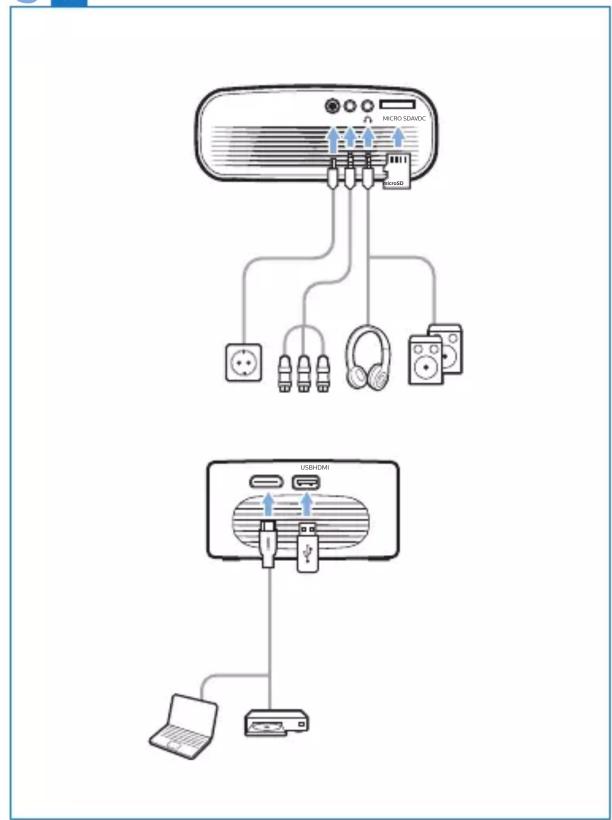
flowchart
graph TD
    A["Microcontroller"] --> B["USB/CMOS"]
    B --> C["PC"]
    B --> D["USB/CMOS"]
    B --> E["PC"]
    B --> F["USB/CMOS"]
    style A fill:#f9f,stroke:#333
    style B fill:#ccf,stroke:#333
    style C fill:#cfc,stroke:#333
    style D fill:#fcc,stroke:#333
    style E fill:#cff,stroke:#333
    style F fill:#ffc,stroke:#333
6 ▶ Keys
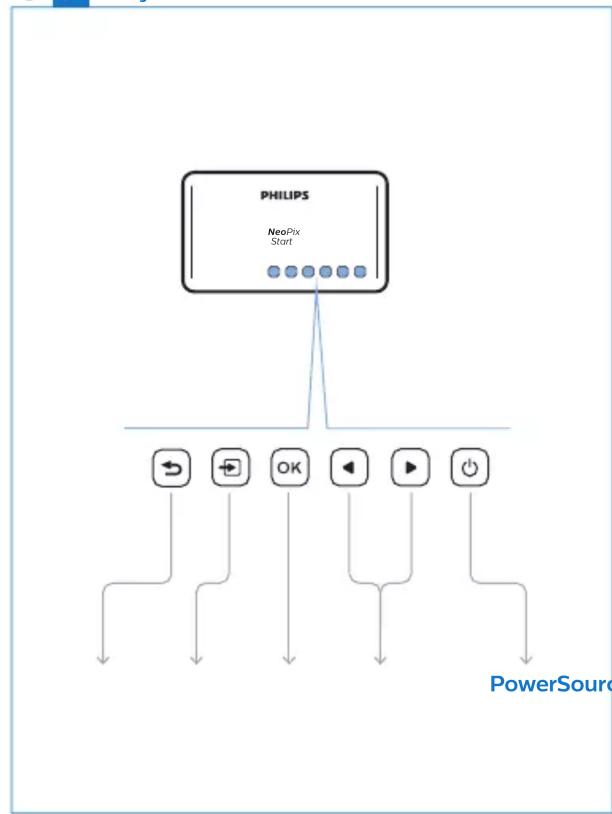
flowchart
graph TD
    A["PHILIPS\nNeoPix\nStart"] --> B["←"]
    A --> C["→"]
    A --> D["OK"]
    A --> E["◀"]
    A --> F["▶"]
    A --> G["○"]
    B --> H["PowerSource"]
PowerSourceNavigatorC
Mærke : PHILIPS
Model : NeoPix Start NPX240
Kategori : Projektor