TE-MIFM - Bilkamera Metra - Gratis brugsanvisning og manual
Find enhedens vejledning gratis TE-MIFM Metra i PDF-format.


Brugerspørgsmål om TE-MIFM Metra
0 spørgsmål om dette apparat. Besvar dem du kender, eller stil dit eget.
Stil et nyt spørgsmål om dette apparat
Download vejledningen til din Bilkamera i PDF-format gratis! Find din vejledning TE-MIFM - Metra og tag din elektroniske enhed tilbage i hånden. På denne side er alle dokumenter nødvendige for brugen af din enhed offentliggjort. TE-MIFM af mærket Metra.
BRUGSANVISNING TE-MIFM Metra

natural_image
Icon of a red 'i' with Wi-Fi signal waves above, next to a black 'ID' symbol (no text or numbers present)BEAM®
VEHICLE SAFETY SYSTEMS
TE-MIFM
Product Manual
natural_image
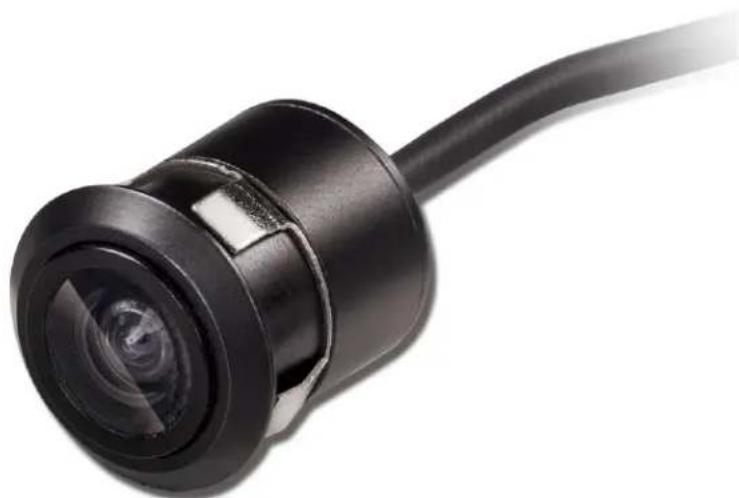
Close-up of a black cylindrical sensor or camera module with a curved cable extending from its tip (no text or symbols visible)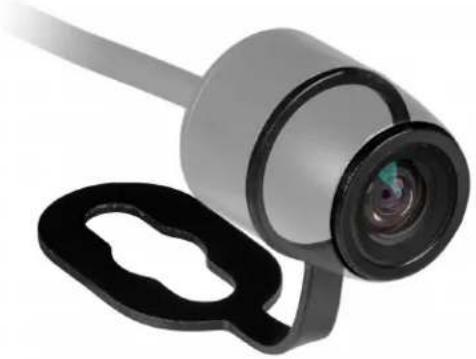
natural_image
Close-up of a camera lens and black plastic clip (no text or symbols visible)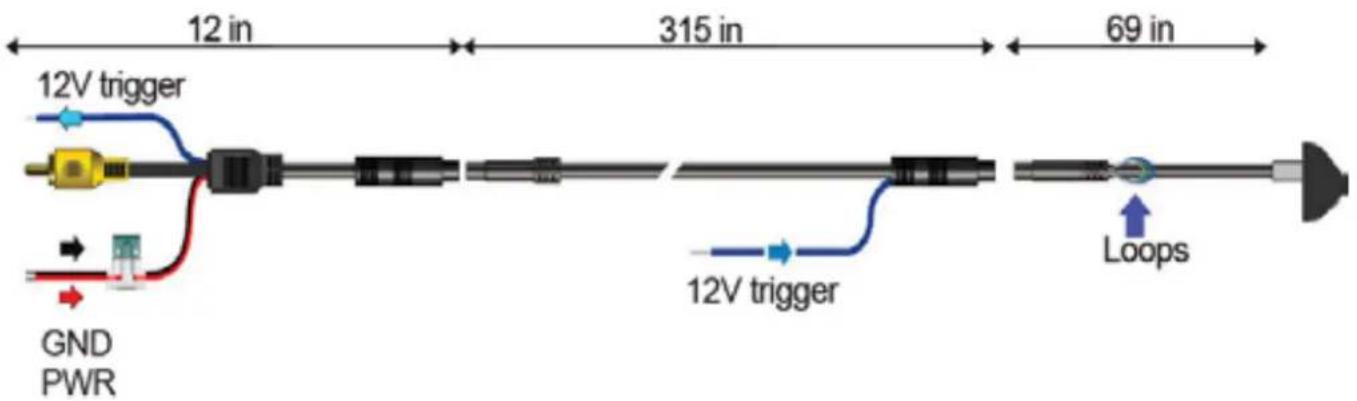
text_image
12 in 315 in 69 in 12V trigger GND PWR 12V trigger Loops-
Find a suitable location to surface mount install the camera. Make sure the camera's view is unobstructed and be careful not to drill into any wires that might damage the vehicle. When all connections have been made and before mounting the camera, verify the camera is working and has good view of the area. Then mount the camera down with the supplied two screws.
-
Connect the RED wire to the +12 volt reverse wire
Note: Power can also be obtained in the rear of the vehicle using the BLUE power wire provided on the extension cable. If this is done, connect the RED and the BLUE wire closest to the RCA together. The blue wire is just a pass-through, RED must be connected to power the camera.
-
Connect the BLACK wire to ground (a metal, non-painted surface).
-
Run video cable though vehicle, up to video display. (Avoid placing video cable where it can get pinched or damaged).
-
Attach the YELLOW video RCA to camera's output and to the reverse camera input of the radio or video display.
Loop cutting Instructions:
Green loop will turn the parking guidelines off Copper loop will mirror the image
| Sensor | CMOS |
| Effective Pixel | 480 X 720 |
| Video Signal | NTSC |
| Resolution | 500 TV Line |
| S/N Ratio | 46dB |
| Current Consumption | 35-55 mA |
| Power Supply | DC 6V-12V |
| Operating Temperature | -30°C - 75°C |
| Storage Temperature | -40°C - 85°C |
| View Angle | 175° Diagonal |
| Water Resistance | IP68 |
| Minimum Illumination | 0.1 Lux |
IMPORTANT
If you are having difficulties with the installation of this product, please call out Tech Support line at 1-800-253-TECH. Before doing so, looks over the instructions a second time, and make sure the installation was performed exactly as the instructions are stated. Please have the vehicle apart and ready to perform troubleshooting steps before calling.

text_image
INSTALLER INSTITUTEKNOWLEDGE IS POWER
Enhance your installation and fabrication skills by enrolling in the most recognized and respected mobile electronics school in our industry. Log onto www.installerinstitute.com or call 800-354-8782 for more information and take steps toward a better tomorrow.

text_image
ME CP mobile electronics certification programMetra recommends MECP certified technicians


VEHICLE SAFETY SYSTEMS
800.221.0932
iBeamUSA.com
460 Walker Street, Holly Hill, FL 32117