HL-239 - Hovedtelefoner Streetz - Gratis brugsanvisning og manual
Find enhedens vejledning gratis HL-239 Streetz i PDF-format.


Brugerspørgsmål om HL-239 Streetz
0 spørgsmål om dette apparat. Besvar dem du kender, eller stil dit eget.
Stil et nyt spørgsmål om dette apparat
Download vejledningen til din Hovedtelefoner i PDF-format gratis! Find din vejledning HL-239 - Streetz og tag din elektroniske enhed tilbage i hånden. På denne side er alle dokumenter nødvendige for brugen af din enhed offentliggjort. HL-239 af mærket Streetz.
BRUGSANVISNING HL-239 Streetz
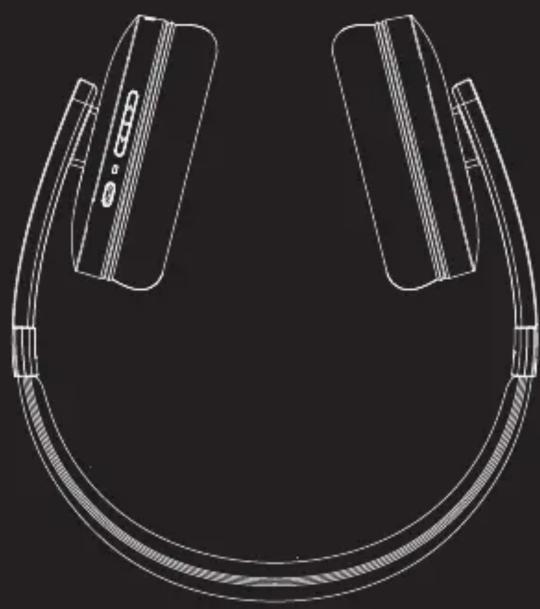
natural_image
Line drawing of a modern earbuds with two side panels and a strap, no text or symbols present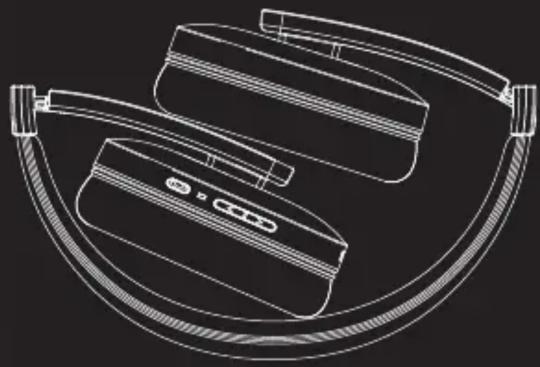
natural_image
Line drawing of a smart ear with attached earbuds and control buttons (no text or symbols)BLUETOOTH HEADPPHONES
STREETZ
STREETZ
QUICK START GUIDE
HL-239
QUICK START GUIDE
HEADPHONE FUNCTIONS
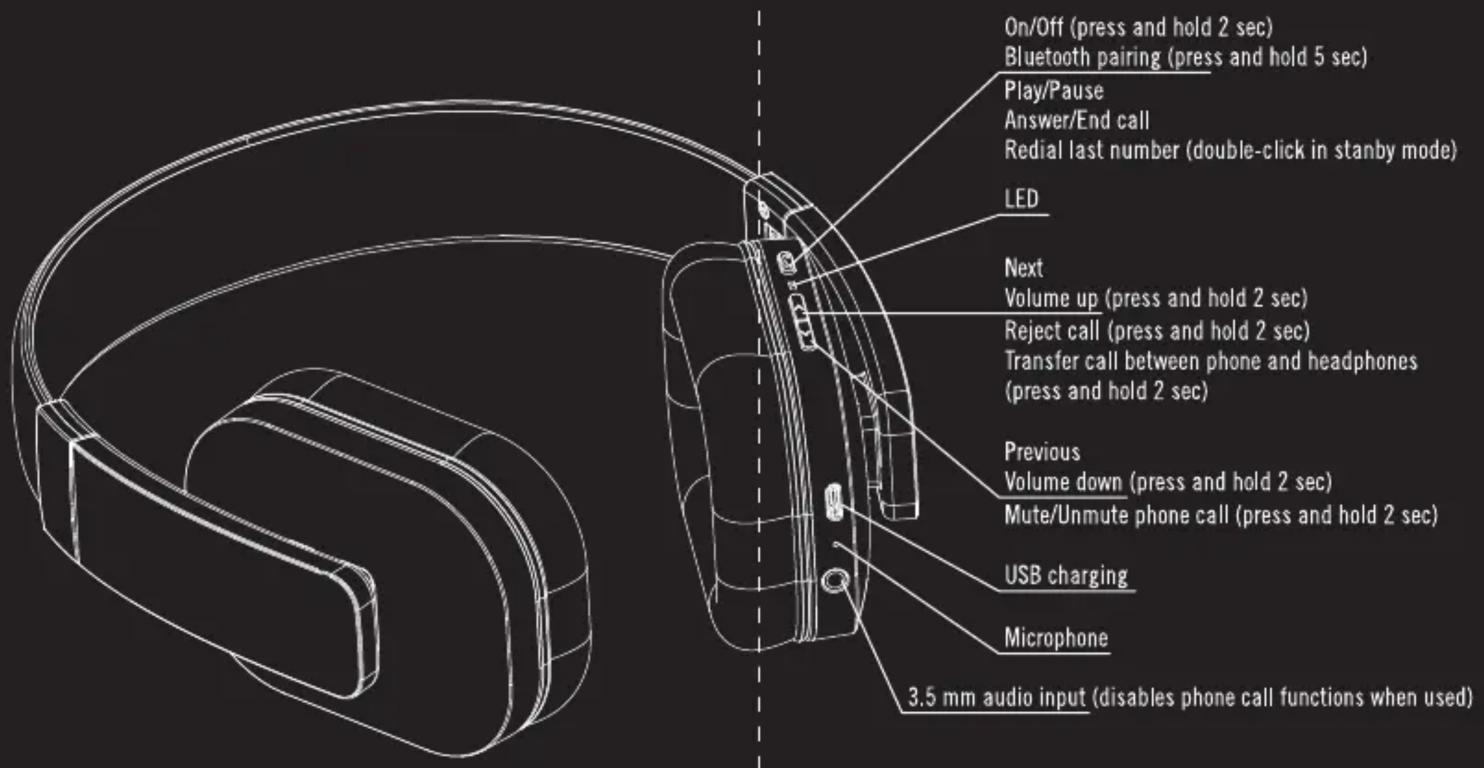
LED STATUS INDICATORS
| Headphone status | LED Status |
| Power on | BLUE LED flashes 2 times |
| Power off | RED LED flashes 2 times |
| Bluetooth pairing mode | RED LED & Blue LED flashes alternately |
| Standby mode | BLUE LED flashes 3 times in 5 seconds |
| Incoming call | BLUE LED flashing continuously |
| Low battery | RED LED flashes 2 times every 2 seconds |
| Charging | RED LED constantly lit while chargingBLUE LED flashes when fully charged |
PAIRING WITH A PLAYBACK DEVICE
- Turn the headphones OFF.
- Press and hold the pairing button for 5 seconds to enter PAIRING MODE.
- Search for Bluetooth devices on your playback device.
- Select the headphones from the list on your playback device.
- If your playback device asks for a password, use "0000".
PAIRING WITH TWO PLAYBACK DEVICES
The headphones can be paired with 2 devices simultaneously, taking a phone call from any of them.
- Pair with one playback device.
- Turn the headphones OFF.
- Pair the headphones with one other playback device
- Restart the headphones.
Mærke : Streetz
Model : HL-239
Kategori : Hovedtelefoner