A3 - Router Totolink - Gratis brugsanvisning og manual
Find enhedens vejledning gratis A3 Totolink i PDF-format.


Brugerspørgsmål om A3 Totolink
0 spørgsmål om dette apparat. Besvar dem du kender, eller stil dit eget.
Stil et nyt spørgsmål om dette apparat
Download vejledningen til din Router i PDF-format gratis! Find din vejledning A3 - Totolink og tag din elektroniske enhed tilbage i hånden. På denne side er alle dokumenter nødvendige for brugen af din enhed offentliggjort. A3 af mærket Totolink.
BRUGSANVISNING A3 Totolink
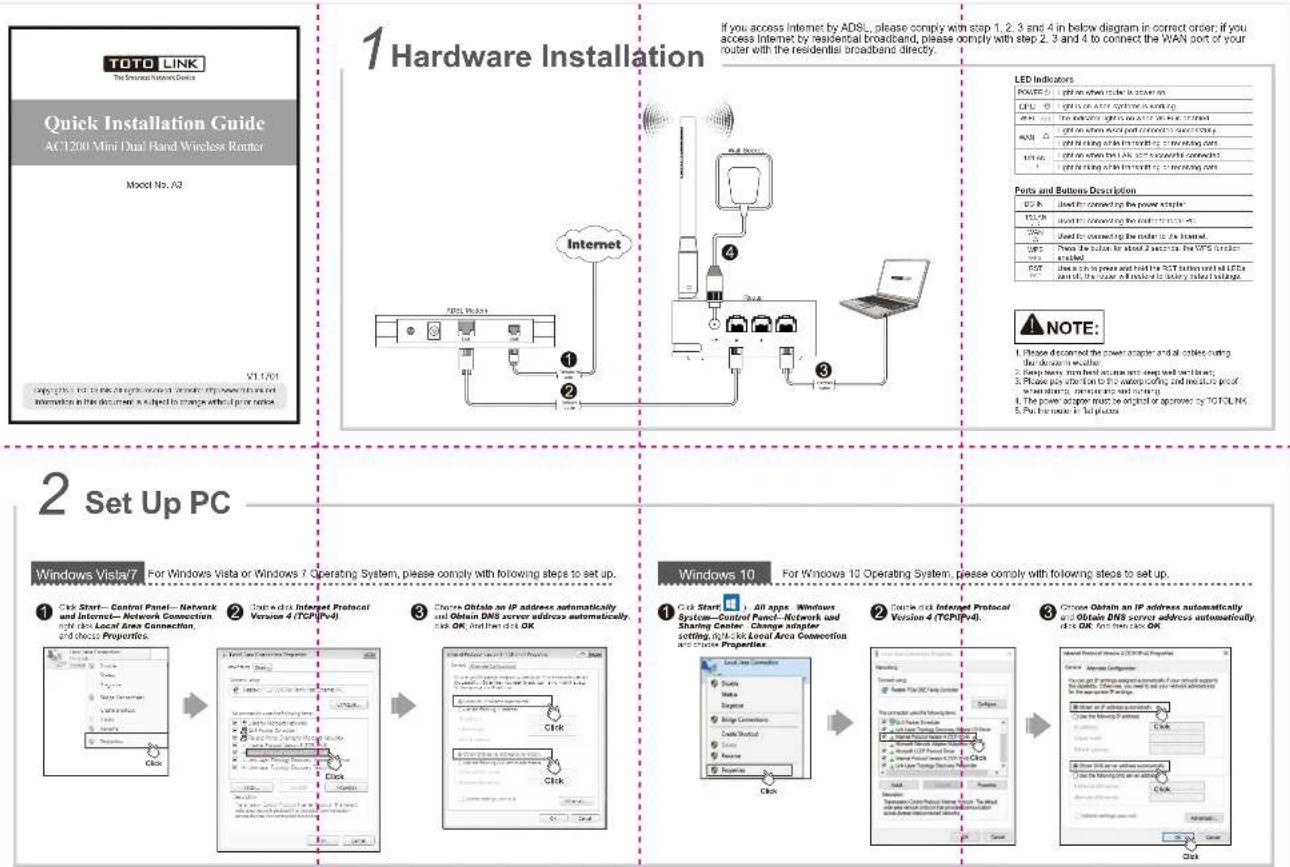
If you access Internet by ADSL, please comply with step 1, 2, 3 and 4 in below diagram in correct order; if you access Internet by residential broadband, please comply with step 2, 3 and 4 to connect the WAN port of your router with the residential broadband directly.
| POWER | Light on when user is server on |
| CPU | Light is on active system is working |
| API | The wireless light is on active Web Host |
| MAX | Light on when network port commands is connected |
| light blocking at the network port working port | |
| USB | Light on when the LAK are successful connected |
| light blocking at the network port working port |
| Ports and Buttons Description | |
| DC B | Used for connected up the power socket |
| VOLN | Used for connected the motor to one PC |
| VOLN | Used for connected the motor to 2.5 inches |
| UPS | Power the button for shock 2 seconds, the VPS function attached |
| UPS | |
| POT | Use a cm to power and hold the POT button until all LFCs are set off, the power will be able to supply a tool to belange |
- Please disconnect the power adapter and all cables during
the de-ven seath
-
Keep many men heal on a man with well under
-
Please pay attention to the waterproofing and moisture proof
whimding, w##ing and n##g
-
The power adapter must be original or approved by TOTALINK
-
Pu: fur mone in lat place
2 Set Up PC
Windows Vista7
For Windows Vista or Windows 7 Operating System, please comply with following steps to set up.
Cdk Start—Control Panel—Network
and Internet—Network Connect
Right axis Local Area Connection,
and choose Properties.
Gouw e disk Interpret Protocol
Version 4 (TCP\IPv4)
- 2017年1月1日
Choose Obtale an IP address automatically
and Obtain DNS server address automatically
click OK And then click OK
Windows 10
For Windows 10 Operating System, please comply with following steps to set up.
[Non-Text]
Start: All apps Windows
on—Control Panel—Network
ing Center Change adapter
ng, right-of-look
Double disk Internet Protocol
Version 4 (TCP/IPv4
1
Choose Obtain an IP address automatically
and Obtain DNS server address automatically.
d: OK And then pick OK
3 Set Up Router
Please set up the router following below steps.

Run the Web browser.


Type 192.163.0.1 in the Alex Browser address bar, then press
Enter key.
e:156.168.0

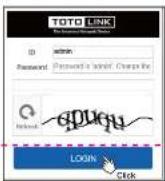
Enter contact ID, Promotional (both non-selectin in lease contract and application code). Club LOGN.

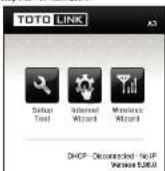
Below minutes show up, first now risks from a woman in the internet information.

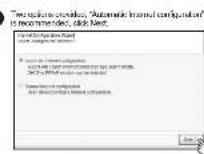

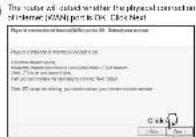

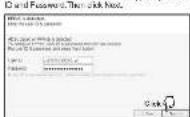
What for what is, P2P4E is detected, type in your clear

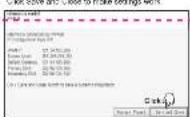
Click Save and Close to make settings sets

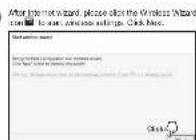

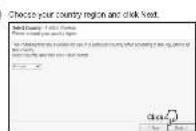

Clark Check 5510 in ward 5511 ordered, Fort ele: Next week 8 hours. Take 550 in walk
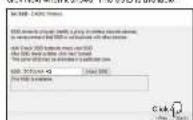

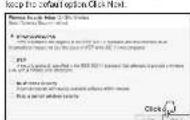
Choose the best channel, and click Next.
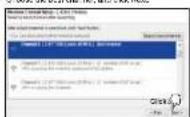

Cash here in the exchange.
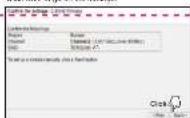

Since the assembly for your VAT website (http://www.10.1234/10.1235)

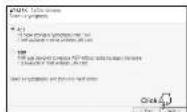
Select TKIP or AES organization, and then
click Next
4 FAQ

How to reset the router to default settings?
- I think make sure your order's career is not regularly, then can be in
press the R3 - touch of a 040-5-er
- Loose the button until your mouse's LED lights off flashing, then you
have read your reader to default settings.
(1) 本次股东大会的决议有效期
2 Forget the password?
Pared used your ruler in theal settings, kindly and so a rate presented
The default IP 192.168.0.1
The default: E: admin
the author: P. 202401.
18 -Innutho-casword (more than 5 otherwise)
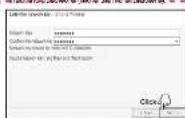

Click "Apply and Set 5GHz Wireless Network"
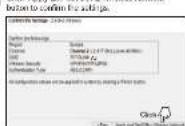

52Hz min. 100 mm a box is similar with the
set up of 24GHz, please now to the place of 24GHz radio setings.


(1) 2017年1月1日至2018年1月1日,公司与关联方累计发生关联交易的总金额为人民币4,500万元。
Please help you Write a book on Key to mind it with I down in case and read a book.
- 2017年,公司与关联方发生的关联交易总额为人民币4,568.39万元。
The centre in Turkey selected up on the record mark the encoder
The following table is the original text.
